
Work Hours Calculator

Calculate your work hours from clock in to clock out – or let the free AI Time Tracker count them for you from your computer activity.

Work Hours Calculator
Hours per day 0h 00m net work time
Hours per week 0h 00m net work time
Hours per month 0h 00m 4.33 weeks avg
Private time 0h 00m non-work breaks
Productive hours 0h 00m work - private
Monthly pay hours × rate
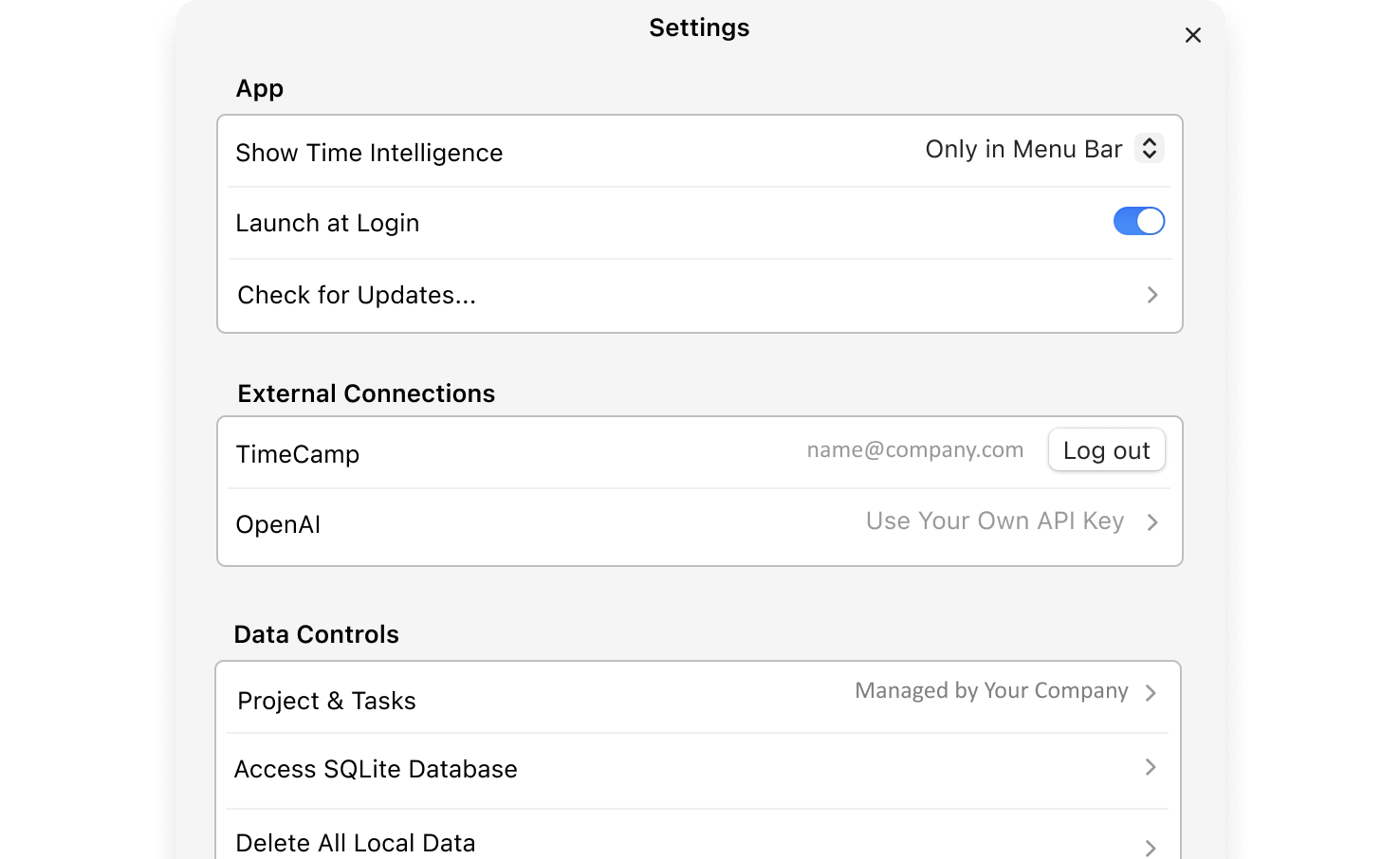
Next week, let your time card fill itself.

AI Time Tracker is a desktop app for Mac and Windows that helps you fill in your time card.

Get Free AI Time Tracker

Mac ARM 126 MB · Windows 146 MB · Mac ARM version Windows version

AI Time Tracker desktop app

How to calculate your work hours

  1. Enter your clock in and clock out times

    Type when you clock in and clock out. The calculator subtracts your lunch break to find your net work time per day.

  2. Add your lunch break, private time and days

    Enter your lunch break in minutes, how much private time you take per day (coffee, personal calls), and how many days a week you work.

  3. Read your totals

    The summary shows your work hours per day, week and month, your private time, your productive hours and your monthly pay at your hourly rate.

Under the Fair Labor Standards Act, non-exempt employees in the US must be paid at least 1.5 times their regular rate for every hour worked over 40 in a workweek. Some states add daily overtime – for example, California counts it after 8 hours a day. AI Time Tracker tracks your active computer time and splits it into work hours, idle time and overtime automatically.

Work hours – frequently asked questions

Other time calculators

Let the app count your work hours.

AI Time Tracker counts your work hours every day from your computer activity – no spreadsheets. Download the free app for your Mac or Windows computer.