

App store
Mobile App
Track your time on the go with our intuitive mobile app. Stay productive, stay organized, and take control of your time, wherever you are.
Track your time on the go with our intuitive mobile app. Stay productive, stay organized, and take control of your time, wherever you are.
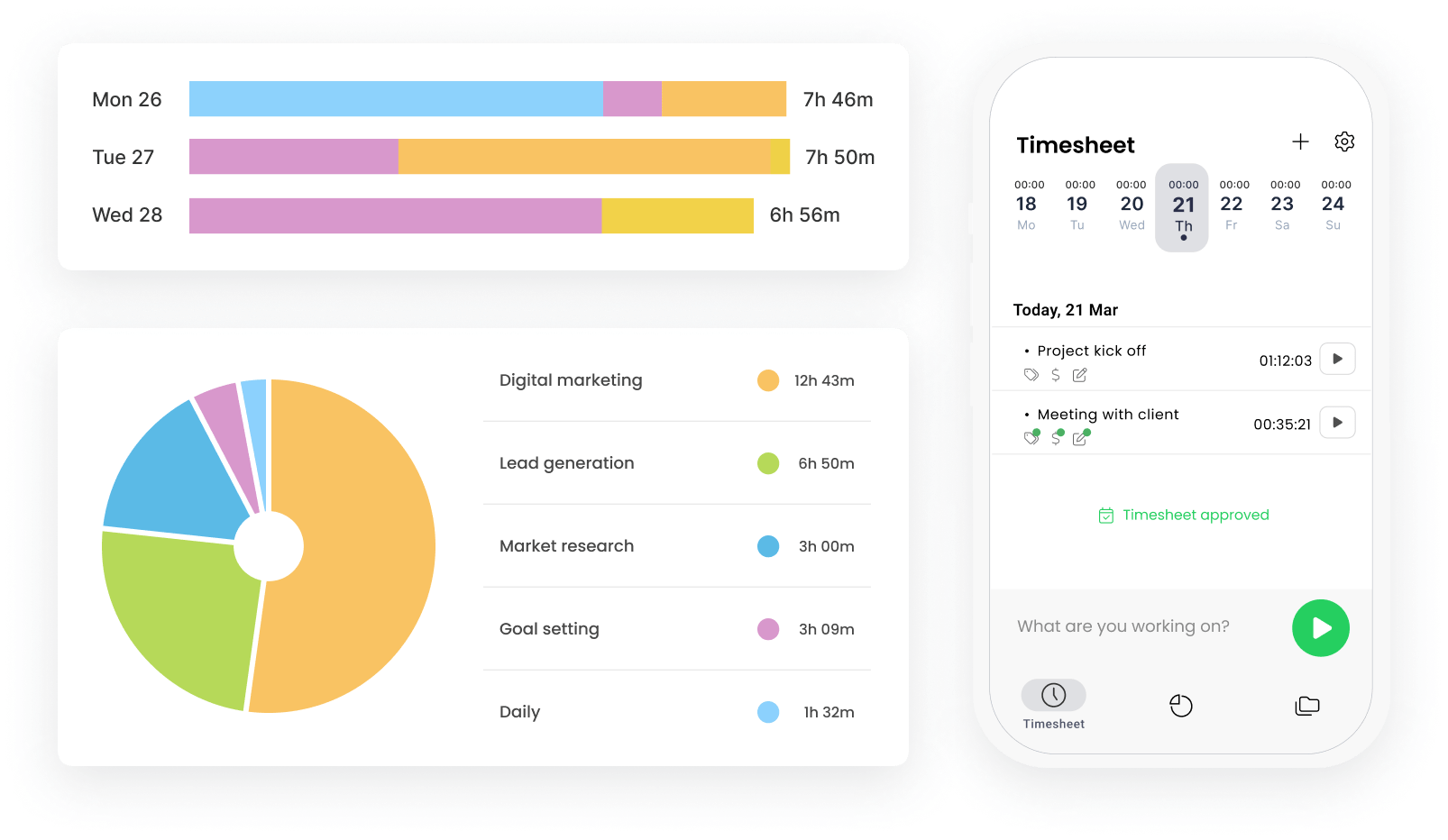



Start the timer with a single tap and keep track of time for your existing projects or create new ones anywhere you are - on the way to the office or at home.

The TimeCamp mobile app allows you to browse all of your current reports in case you need to keep an eye on your projects while you're away from your computer.

Mobile app works even when you don’t have an internet connection. Just track your time as usual and all of the data will synchronize later.

With TimeCamp you don’t have to worry about the device or extra costs. Our mobile app is made to have low device requirements as well as low data and battery usage.

Track costs related to your projects ad tasks on the go to keep an eye on your your OOF spending and its frequency.


Log work hours, track location and expense your projects for free, straight from your mobile device.
TimeCamp for mobile lets you track time wherever you are, from your phone. Open the app, go to your timesheet, select a task, and start the timer – or enter start/end hours manually. The app runs on iOS and Android and syncs your time entries with the desktop app and web version, so you can track time, check your timesheet, create new projects, review reports, add new expenses, and mark attendance on the go.
If you lose your internet connection briefly, the mobile app synchronizes when you go online again. However, to ensure the uninterrupted tracking, a stable internet connection is advised.
Yes. Time tracked on your phone syncs with your web account every 15 minutes unless you change the interval in the app’s settings on your mobile device. Start a timer on your mobile phone, and the entry shows up in the web timesheet.
Yes, TimeCamp for mobile is free to download on the App Store and Google Play, or just open the directories and search for TimeCamp.
Yes, the TimeCamp mobile app is free of charge on every plan, including the Free plan, with no additional charges for the app itself. Features you can use inside the app depend on your subscription tier – Attendance is available on Starter and up, Expenses is available on Ultimate and up, and Geofencing is an Enterprise feature.
GPS location is available on every plan. When the timer is running, the app records location data with every time entry, helping field and on-site workers track time without filling out timesheets by hand. Geofencing, on the other hand, is available to Enterprise users and clocks users in whenever they enter a designated job site. Both features are enabled by the account administrator in the account Settings.
Yes, you can log expenses straight from your phone and assign them to a specific project. You can also add a date, set a category (mileage, materials, software, etc.), and mark the expense billable or not. Expenses are available for Ultimate users (and up).
Yes, mobile apps allow you to set a day type (normal day, remote work, sick leave, vacation, business trip, and so on) and view your attendance calendar. Besides, changing a day type into any type of time off automatically counts as a leave request. Attendance is available on the Starter, Premium, Ultimate, and Enterprise plans.