









Resource Planner

Staff your team and see projects through the end

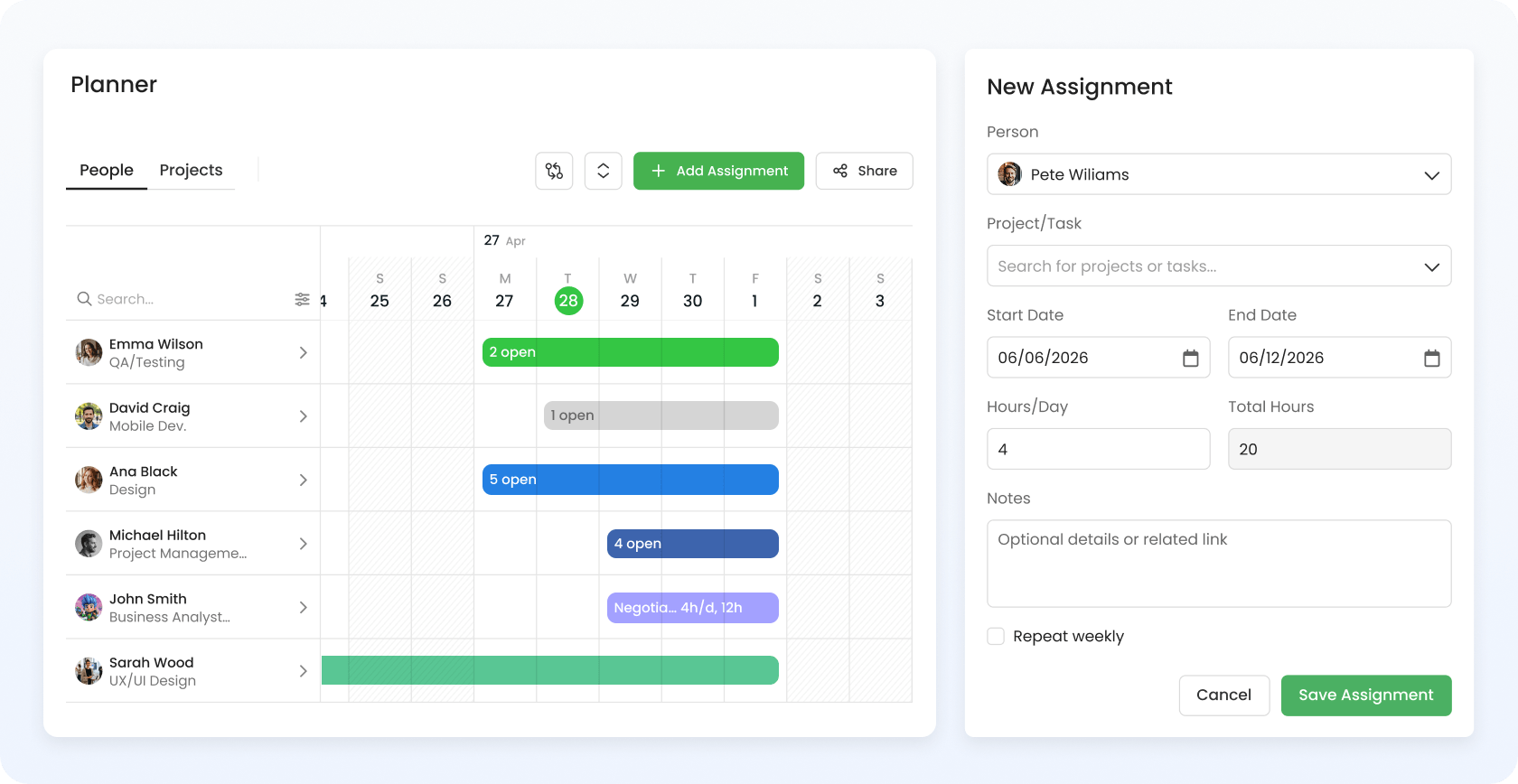
See team availability, balance workloads, and assign people to projects with confidence – all without leaving TimeCamp.

Resource Planning top image

4.7 (1500+ reviews)

Crafted locally, trusted globally

Plan vs Actual, Hours-Based

No blind resourcing. Plan ahead, and compare with what actually happens – in hours, not in guesses.

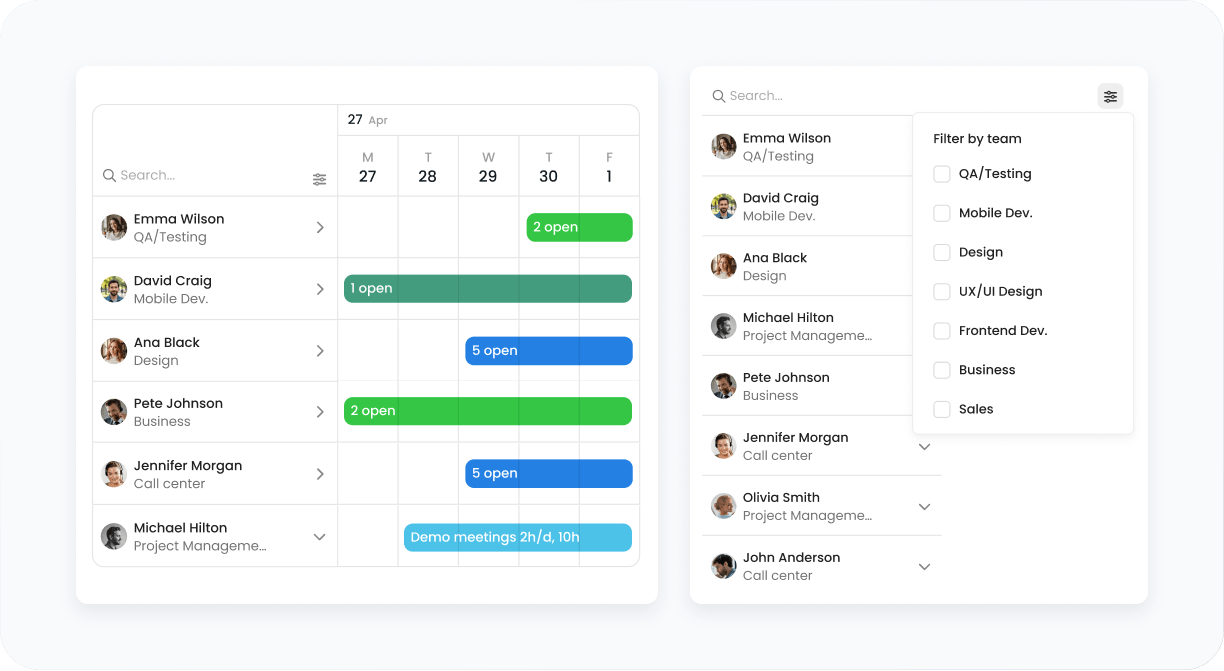
See true capacity, not chaos

Stop guessing employees' availability based on four different spreadsheets and three Slack channels. Planner combines it all in one view, showing who's free or not – based on real data, not declarations.

features
features

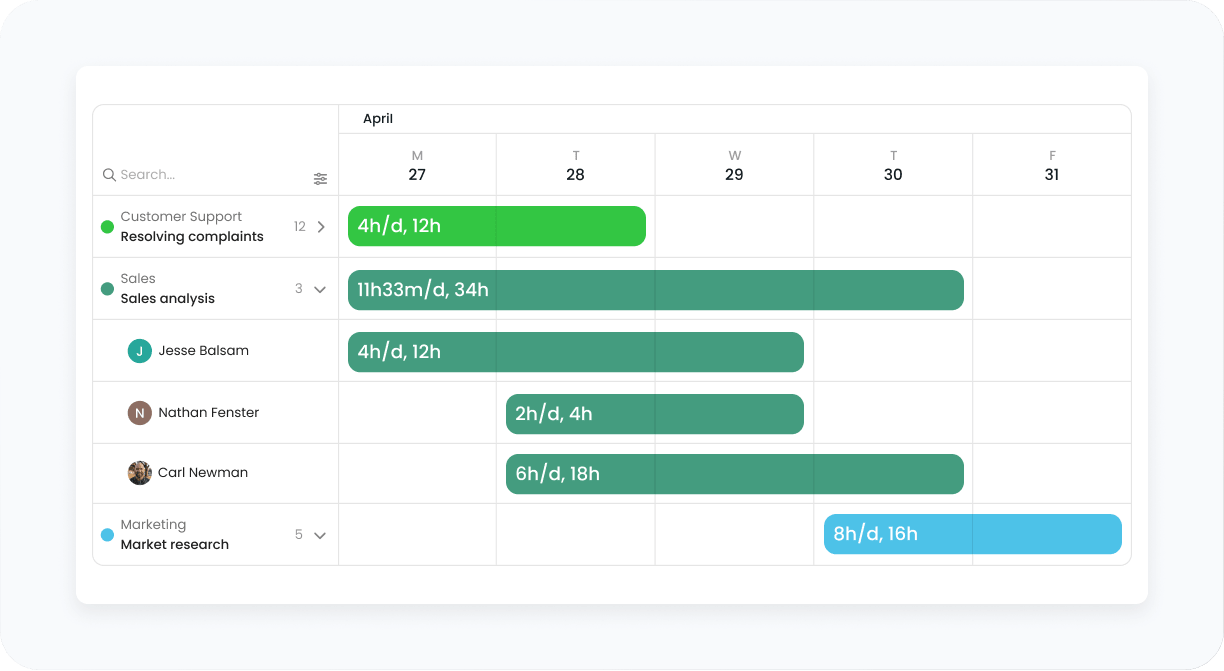
Assign tasks with confidence

Open Planner and see whether you have the right resources required to commit to a project. Spot right at glance when you're under-resourced before it becomes a problem and affects the project scope.

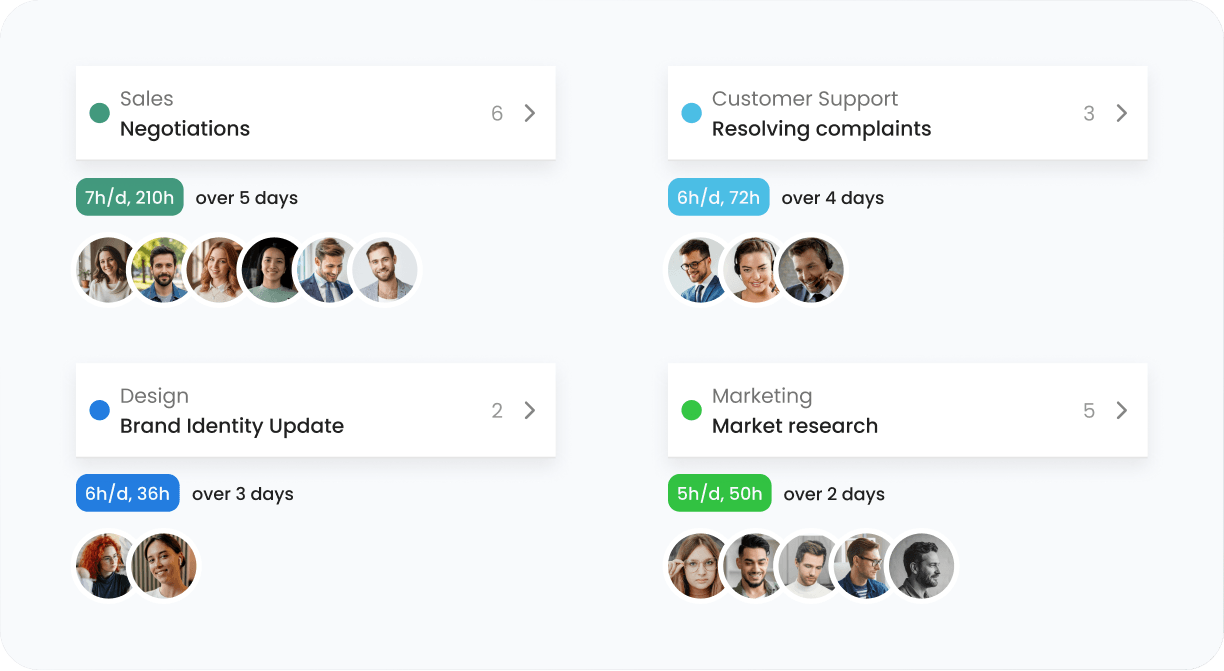
Check people across every project

Your best dev is assigned to three projects, but each PM thinks they're exclusive to them? Planner makes those cross-project task assignments visible, improving capacity planning, even when priorities shift.

features
features

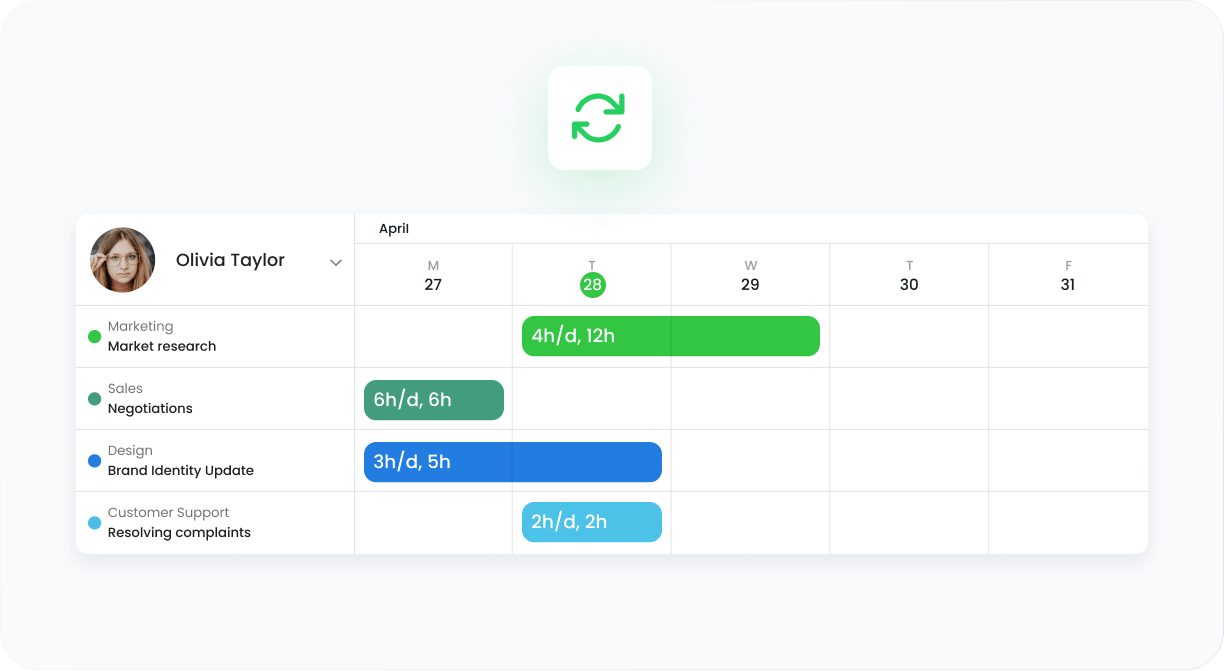
See updates as work happens

Spreadsheets don't scale past 30+ team members without breaking, but Planner is a living document that updates as you work. Your single place to plan across the entire organization.

See how your team looks in Planner

During a quick call or just sign up for a free 14-day trial, no credit card required.

badge
badge
badge

Plan with confidence – not with fingers crossed

Agencies category image Agencies

Staff across 20+ different client projects without Friday spreadsheet panic.

Remote Teams category image Software Houses

See which dev is already booked on sprint work before promising a deadline.

Consultants category image Consultants

Align your consultants with the project timelines to maximize client profit.

Field teams category image Admin Teams

Track team availability to keep the entire organization on the same page.

"One forgotten extra 15 minutes, 4 times a month, and TimeCamp already paid for itself."

Marek Wiśniewski Operation & Maintenance Manager, DWS

Frequently Asked Questions

Planner is included in the Premium plan and above – it's not a separate product or add-on (e.g., like Forecast from Harvest). You get resource planning, time tracking, reporting, invoicing, and so on in one subscription, one login. Check the Pricing page for a full breakdown, or start a free trial to see Planner with your team's data.

Yes, the 14-day free trial includes full access to resource planning and other attendance features. Besides, you can test the full potential of TimeCamp's time tracking, reporting, and billing system.

Planner fits teams of 5 to 5000. It keeps the PM on their project, team lead on their people, and users on their own workload – without interface getting cluttered.

The main difference is that Resource Planner lives in the same platform that you use to track your team's time. No separate subscription, no manual data sync, no integrations, but full data integrity.

Yes. Open any team member and see every project they're assigned to, not just the one you're planning. Also, you can switch between People and Project view to see the who's assigned to which project. This way, overloads and conflicts are visible the moment they happen.

timecamp img

Balance workloads to never overbook.

Join 18,000+ teams and start planning and tracking your work in TimeCamp.

14-day free trial Free plan No card
badge
badge
badge
badge
badge
badge
badge
badge
badge
badge