Stop Guessing Who's In with Employee Attendance Calendar

Does your team's workflow live in three different spaces: DMs, spreadsheets, and someone's inbox? Pull it into one calendar that tracks employee attendance, updates in real-time, and answers the daily availability questions at a glance.
top image

Crafted locally, trusted globally

Every Person, Every Status, Every Day, No Questions Asked

Spreadsheets and statuses lie, but time data does not. See who works on what and where, or if they're off work, all from one tool – before bad planning decisions turn into revenue leakage. No questions, no file updates, no switching between tools, only real-time work and holiday tracking.

Patrycja Karpik Marketing Manager

"The manager's work time dedicated to planning has decreased by an average of 80 minutes per month, which makes 32 hours per month for the entire company - and that is a significant value."

Switch from messy spreadsheets to full attendance visibility

Your Daily Attendance Data Already Exists, Calendar Just Makes it User-Friendly

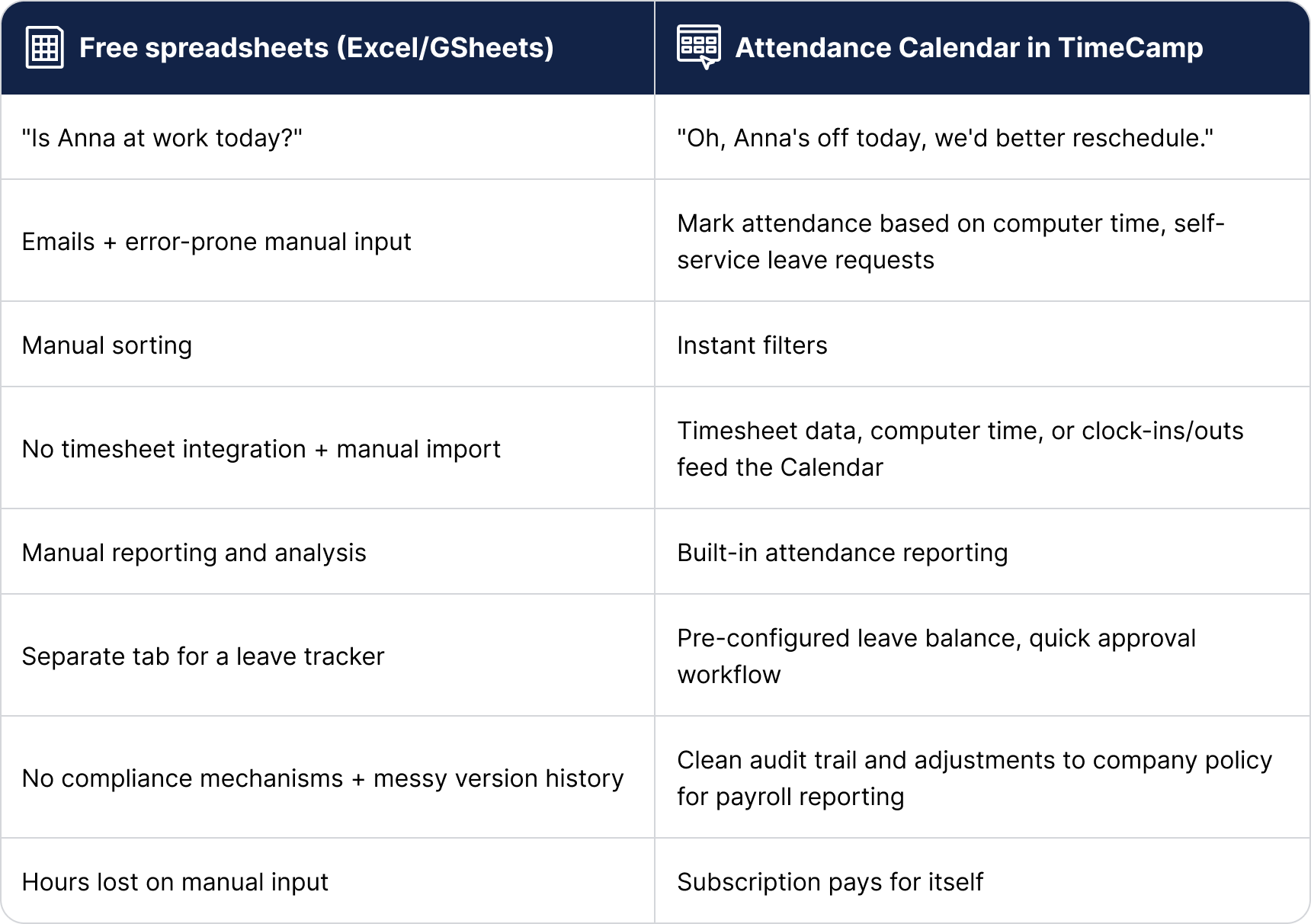
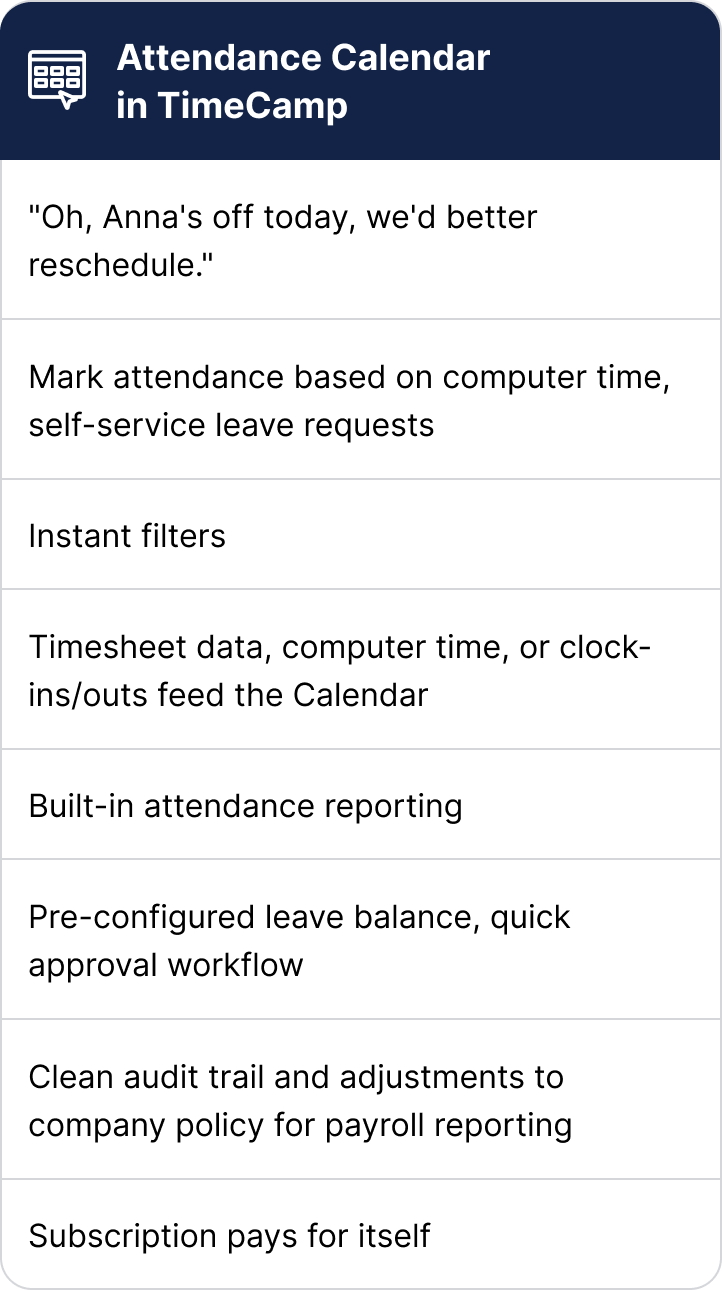
Free spreadsheets and manual tracking may cost you nearly two full workdays of manager time every month. Switch to TimeCamp's Attendance Calendar to get a complete overview of employee attendance and avoid missing deadlines due to key people's unavailability.

One source of attendance truth

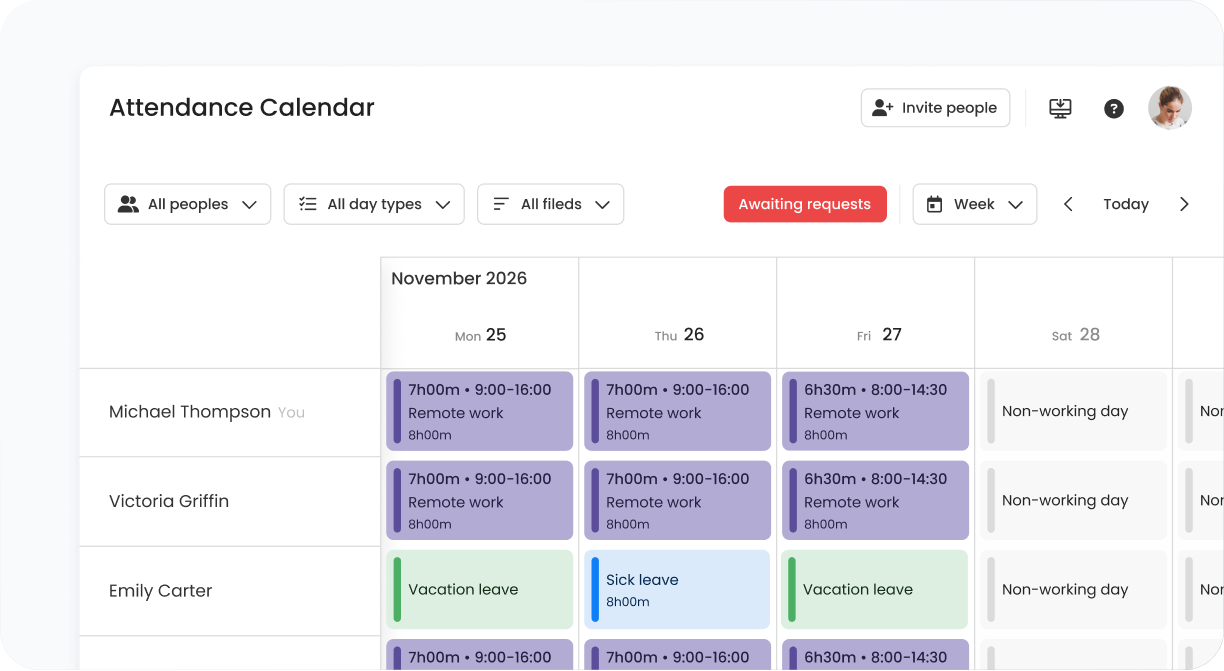
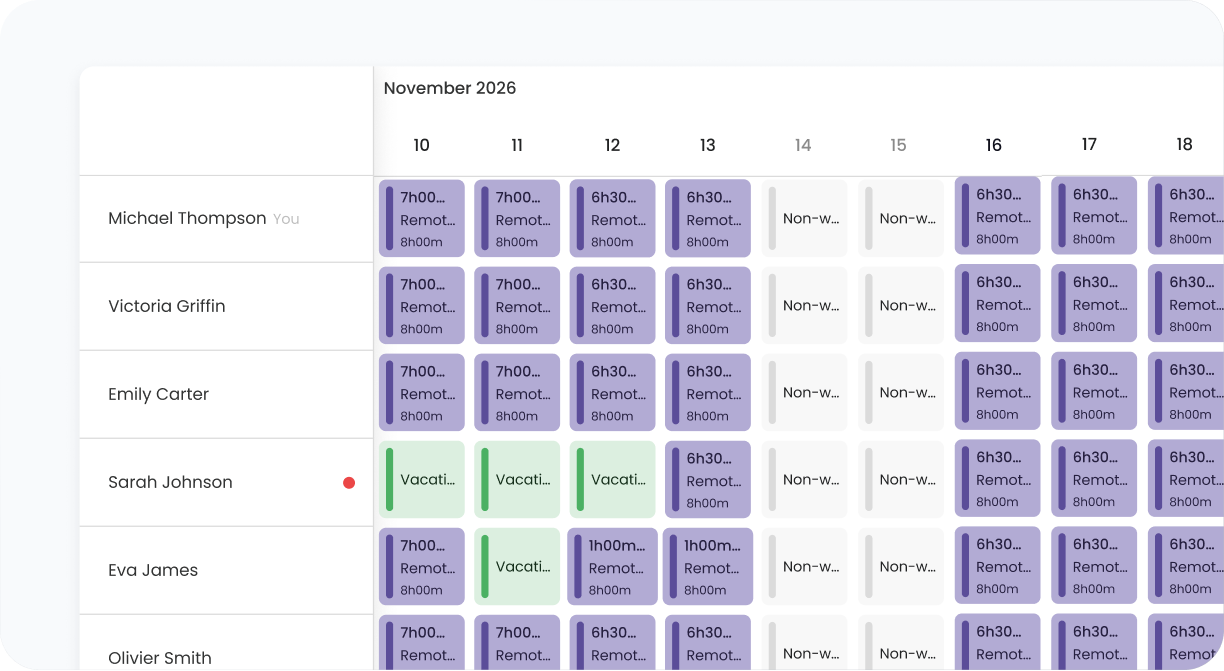
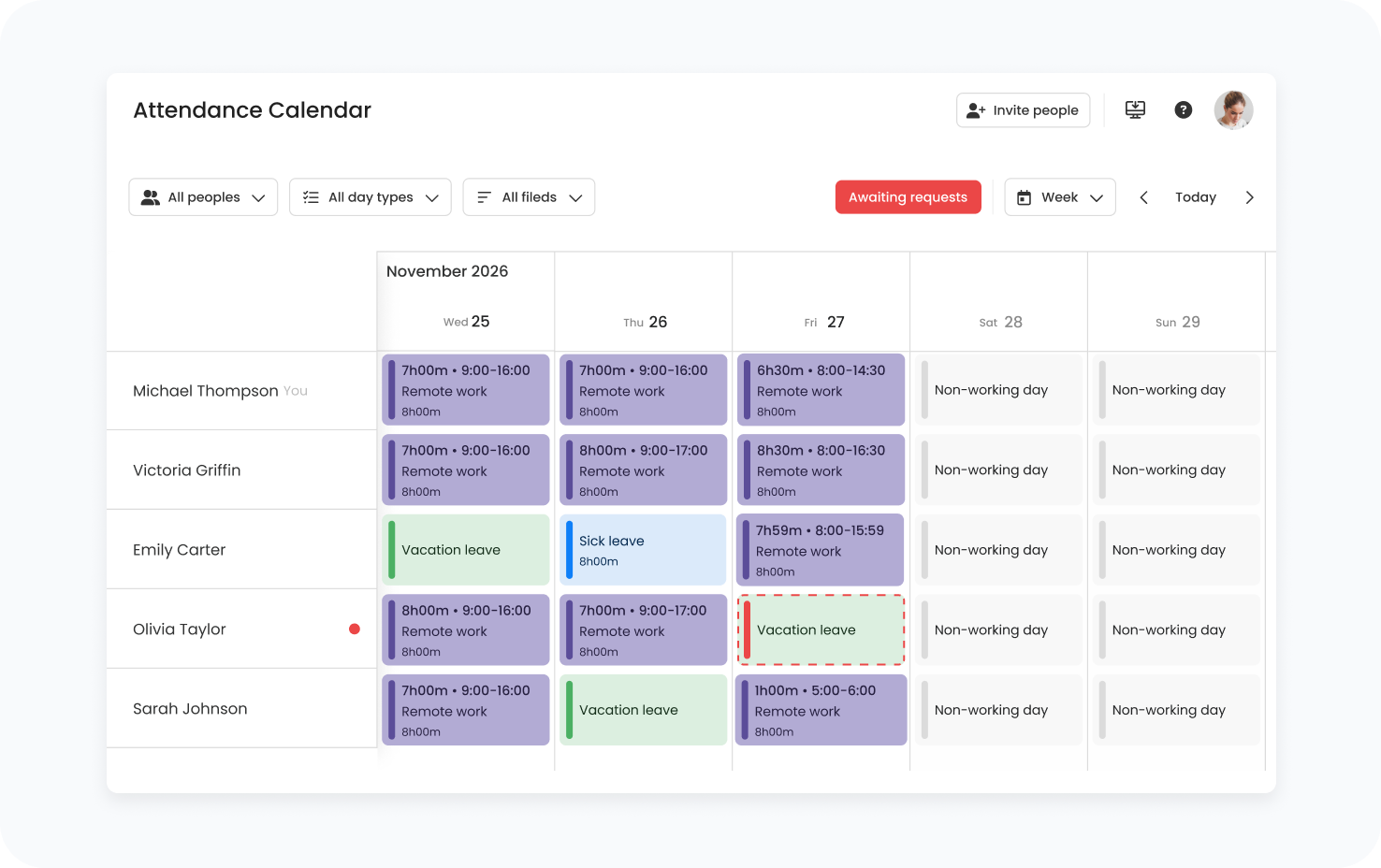
No more data scattered across tabs and tools. Our Attendance Calendar pulls all day types into a single grid, giving you a clear overview of the team's availability for a given period. See who's in, our, or remote; check clock-ins/outs and work hours at a glance, and plan next assignments with real data, not a spreadsheet last updated on Tuesday.

Reduced approval bottlenecks

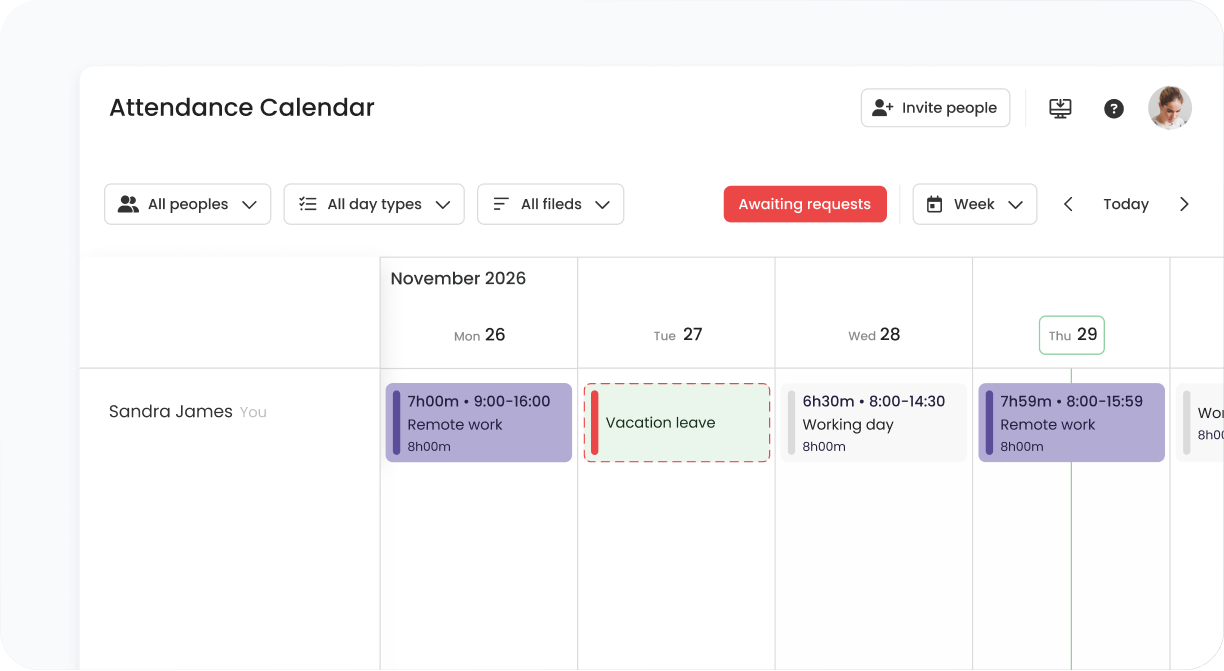
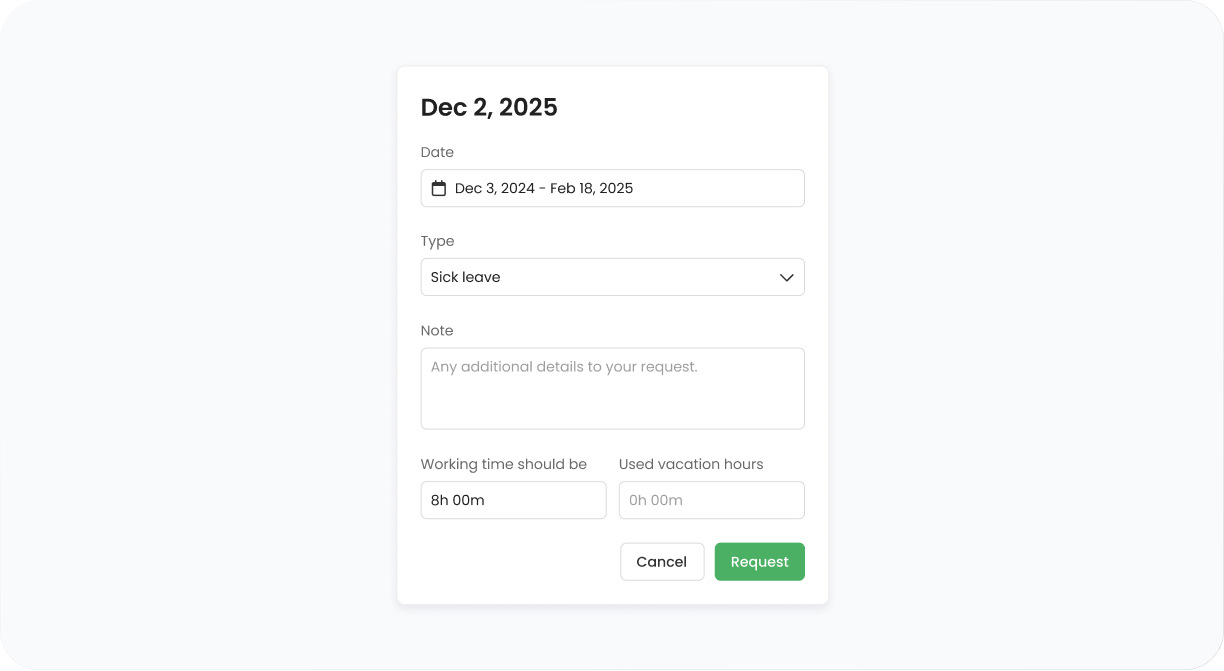
See employee leave requests before they even ask. While time-off applications may get lost in the maze of DMs, it's hard to miss the pending request marked red in the Calendar view. Managers can approve or reject the day-type change application with just one click, and the status updates instantly. No more uncertainty, no more "did you approve my leave?" messages – just one source of the truth about employee attendance.

Plan with full visibility

Check the team lineup before you start planning. Ensure key people are available when needed, pre-configure public holidays to avoid overlapping with deadlines, and handle time-off requests on the spot to prevent last-minute rescheduling. One look at the Calendar and you already know whether it is safe, or it needs a little reshuffling.

Attendance Calendar: Built to Let You Know

Stop asking, start knowing. Spot at a glance who's available and who's impossible to reach within the next two weeks.

 consultants category image HR & People Ops

Payroll prep, simplified

Manage parental leave, sick leave, and additional leave types and day-to-day absences without switching between tabs. Pre-configure public holidays in settings. Process time off applications as they land.

law category image Team Leads

Capacity-based planning

Assigned a critical path task to a team member who's on prolonged sick leave? Never again. Our Attendance Calendar shows you who's in, who's off, and who's remote, informing your planning decisions.

agencies category image Remote Teams

No office, but the same grid

Your team doesn't share the office? No problem, TimeCamp gives the remote peers a digital one. One peek at the grid and you know your teammate is not in their kitchen making a sandwich, but probably somewhere hot.

it category image Project Managers

Stop the calendar roulette

See your team's time in one view and match team members to projects with certainty. Know if they can be booked for a full month of client engagement, or maybe they're going to disappear on a business trip soon.

How Does the Attendance Calendar Work?

Automate status

Attendance and remote work are marked automatically. For time off, just change your status to apply.

See everyone at a glance

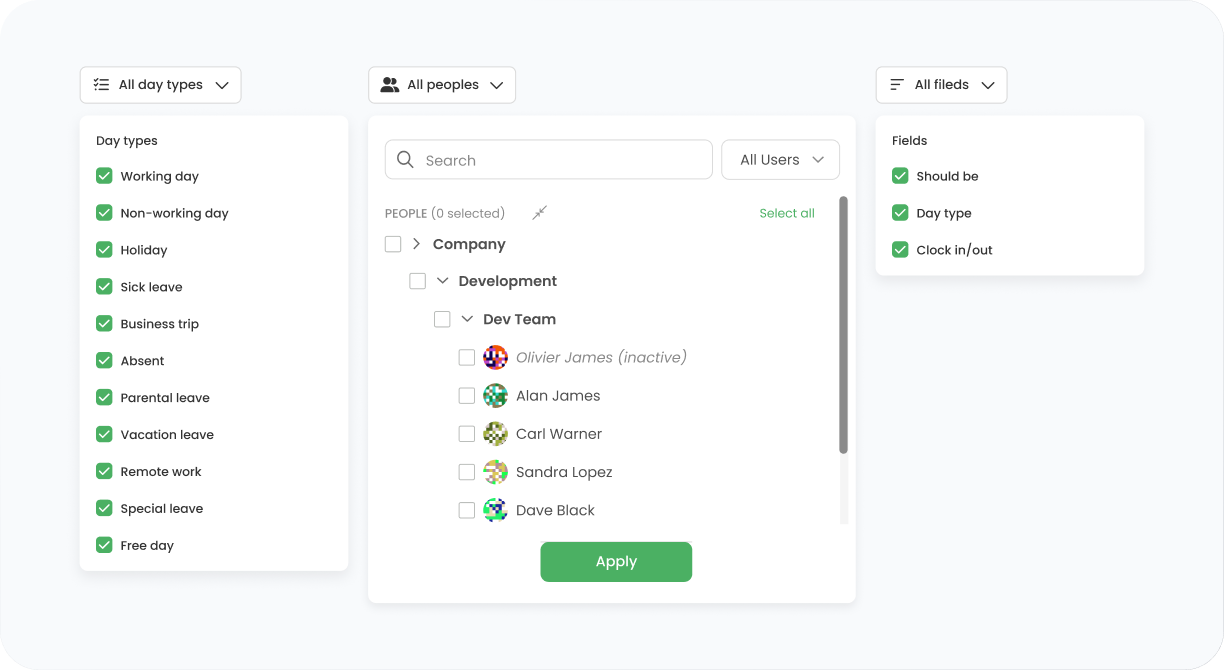
The Calendar shows the entire team's statuses. Filter by person, team, or date range.

Plan with confidence

Know who's available and when (or where!), and schedule work with certainty.

Color-coded statuses

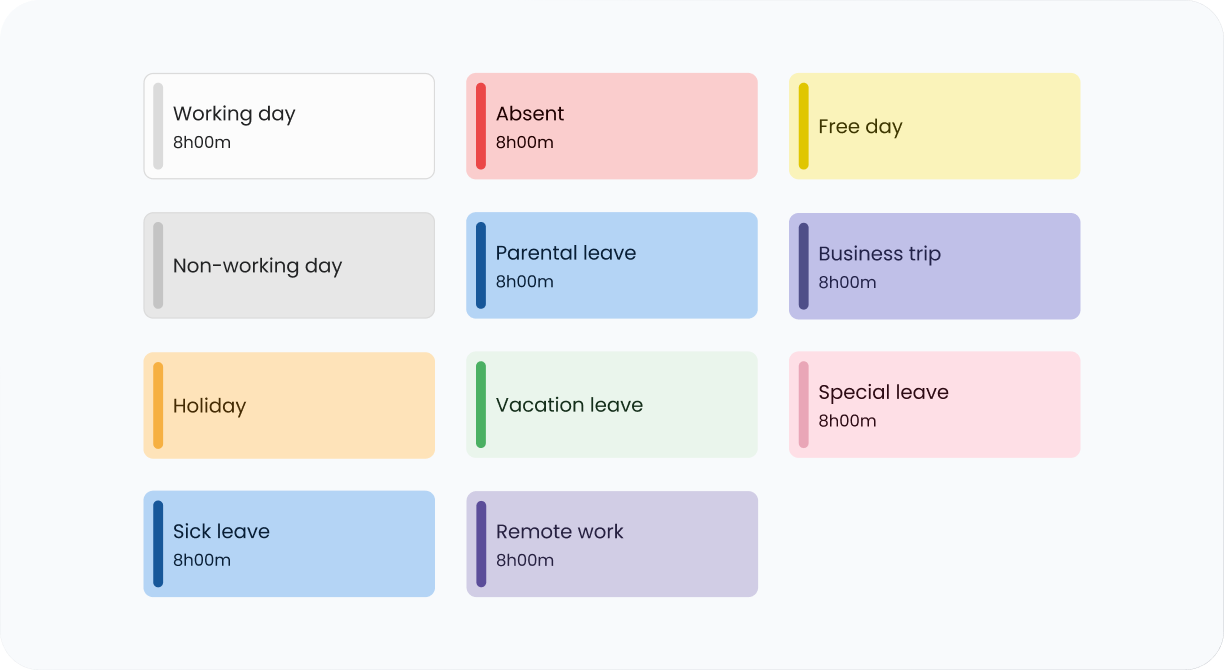
Instant visual scan: 11 day types, each has its own color

Hours logged

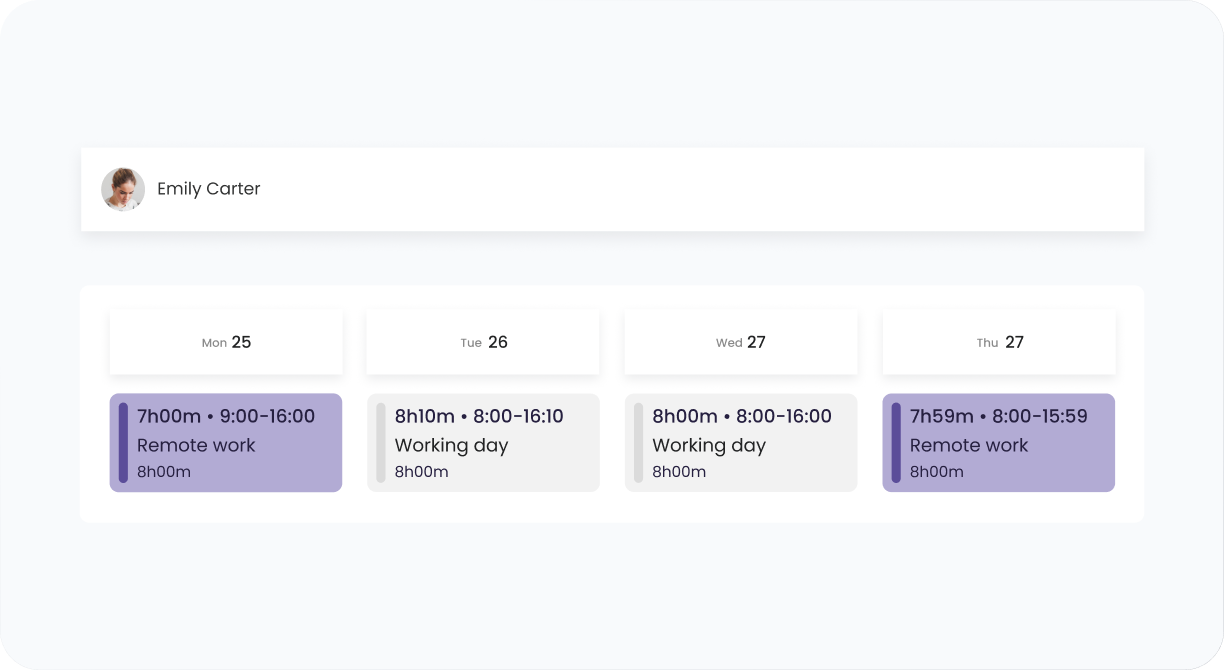
Spot gaps at a glance: total number of hours and clock-in/out displayed within the cell

Filters

See exactly what you need: filter by people, by status, by day type

Time-off requests

Approve or reject with one click: Employee requests leave, the badge reminds you to take an action

timecamp img

Why jump between separate attendance tools when TimeCamp already has the data?

Let us show you the Calendar in action, or just create a free account to try it out yourself.

badge
badge
badge
badge
badge
badge
badge
badge
badge
badge

Attendance Calendar FAQ

The Attendance Calendar is a shared, real-time view of your employees’ daily statuses, showing who’s working in the office or remotely, who’s on vacation, or on sick leave. Unlike static spreadsheets, it updates in real time and gives instant insight into the team’s availability. It’s a native feature, so the data in TimeCamp flows between the timesheet, attendance, and reports.

Unlike a vacation tracker that only covers time off, the Attendance Calendar shows all statuses, including remote work, sick leaves, public holidays, business trips, and so on. It’s a complete, time-data powered team visibility tool, not just a manual leave request system.

Yes, the Attendance Calendar is part of the digital workspace that successfully replaces the traditional office environment. Remote and hybrid employees can submit their leave requests with just one click, helping the team track availability without hassle.

Yes, the Attendance Calendar is a native feature of TimeCamp, so the data flows freely between timesheets and the attendance module. When someone marks their day as a vacation, it automatically appears as time off in their timesheets.

Sure, the Attendance Calendar supports self-service, so employees can submit leave requests or report sick leave. Requests go through a quick, one-click approval workflow.