









Freelance time tracking app

Bill your own hours with no-timer time tracking for freelancers

Accurate, private time entries without starting a stopwatch. Download TimeCamp for free and capture your day to get an overview of your hours, so you can bill for what you actually worked.

Attendance Tracking top image

4.7 (1500+ reviews)

Crafted locally, trusted globally

Freelance on several projects at once, but don't lose any second

Have you ever needed to round down your work time because you forgot to start a timer? Does your work style make you switch contexts every 20 minutes, leaving big blank gaps on your timesheets?

You do your job, while TimeCamp tracks your freelance time quietly in the background, preventing your business from undercharging clients.

No more timers

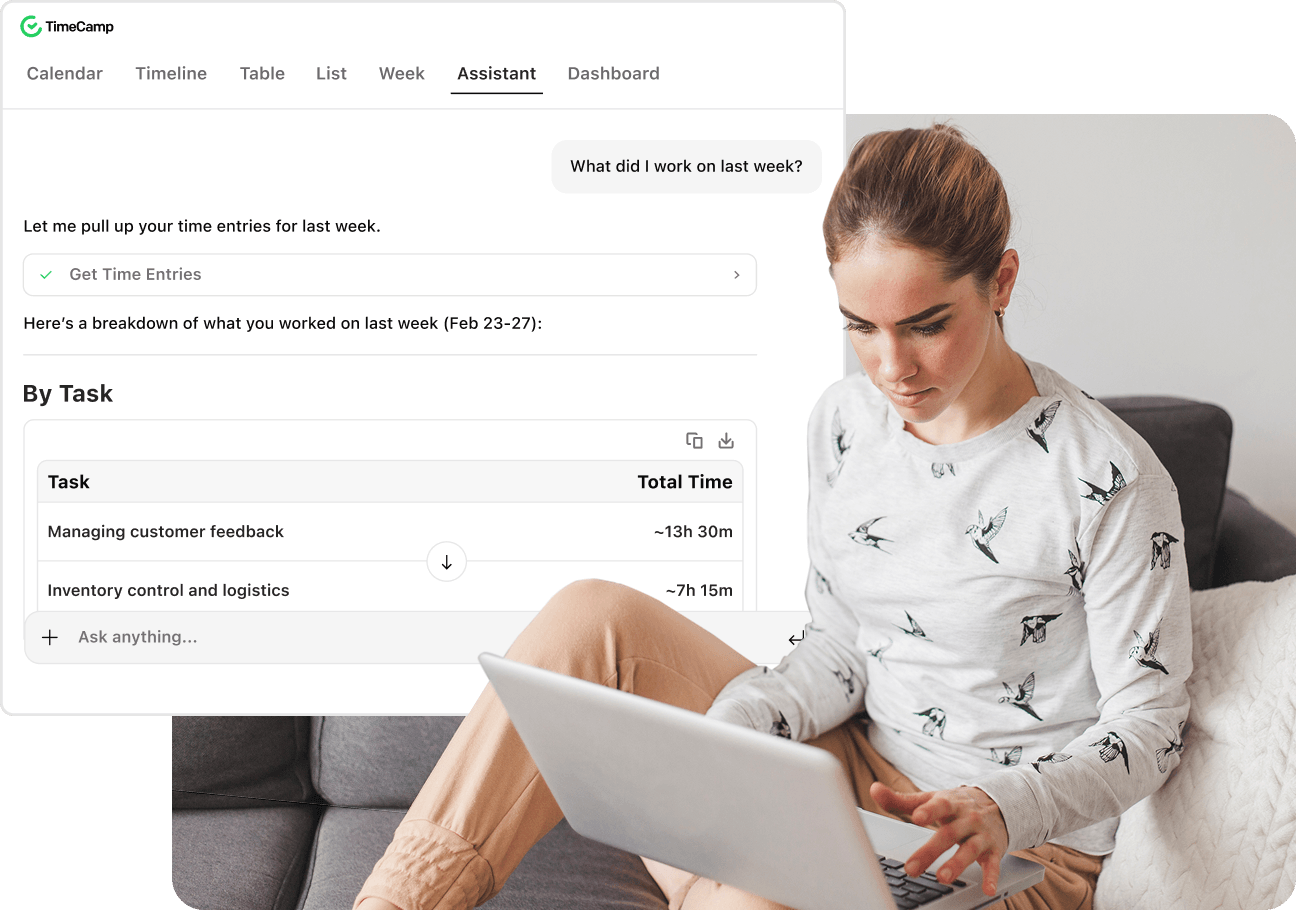
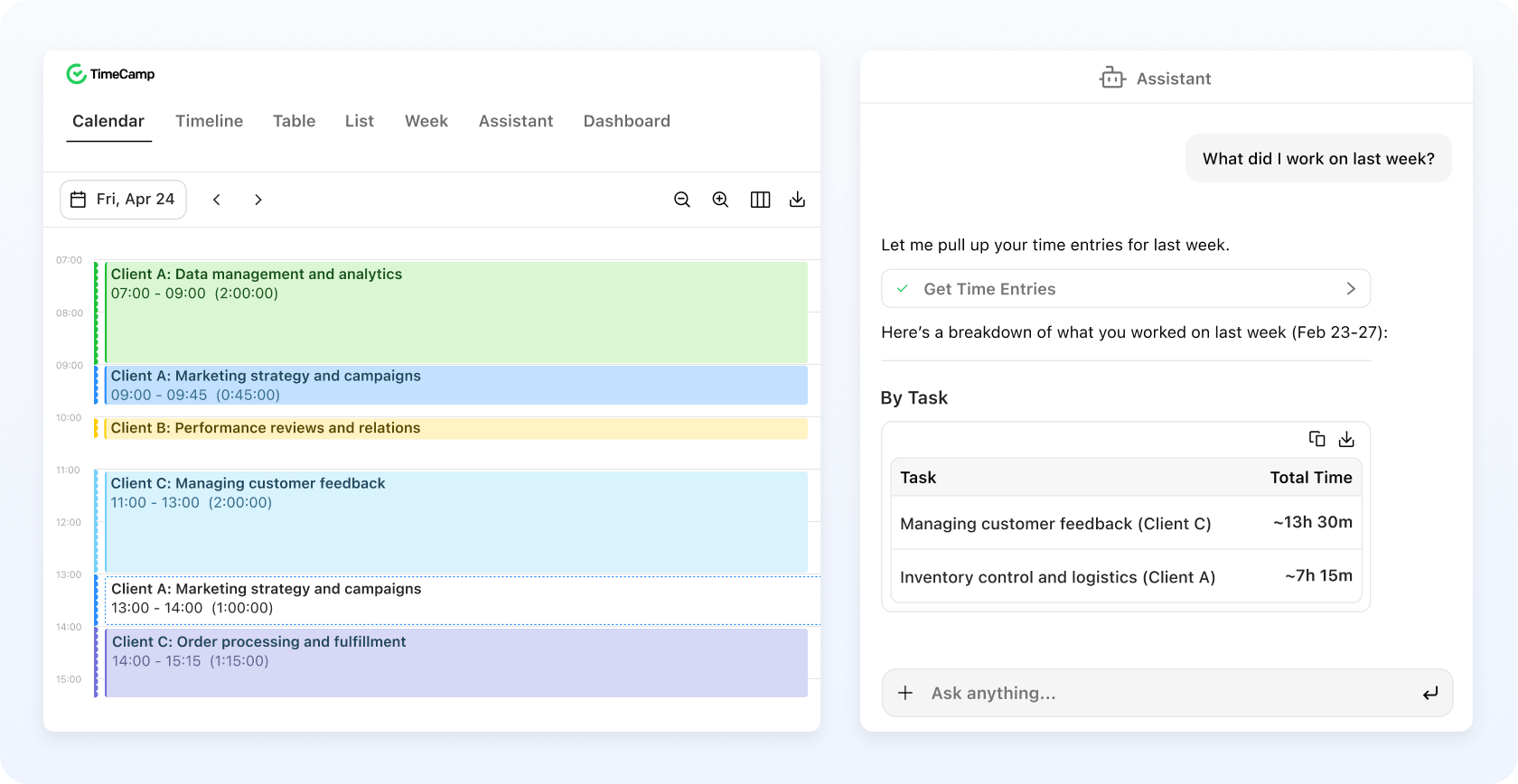
TimeCamp starts on your computer and runs in the background, preparing a complete overview of time spent. At the end of the day, just open the app to review and approve the suggestions.

qoute

I simply installed the desktop app on my PC, and it tracks my activity every day.

Germans R.

Video Editor, Verified G2 User

qoute

Allows me to see what I have been doing at anytime during the day and use this to fill out timesheets and daily logs in greater detail with confidence.

Mark F.

Quantity Surveyor, Verified G2 User

No more Friday amnesia

Your freelance work is captured down to the second as a simple time log. Confirm the suggestions and spend two minutes every day instead of an hour doing manual entries and recalling your week.

No more lost hours

Whether it's a quick call or a full day of writing a blog post, TimeCamp works in the background and puts them on the timesheet; the hours are not lost to project progress and client billing.

qoute

My clients can see exactly how much time I'm billing them.

Marcos G.

Production and Content Director, Verified G2 User

Whether you bill clients by hour or work on fixed-fee projects, you know what each one costs you in time.

Automate time tracking with TimeCamp and skip the admin that usually eats your Friday.

Upgrade your time management: let the AI Agent prepare your time entries and let it suggest the improvement tips based on your actual workflow. 99% accuracy since day one.

No account needed. Sign up to invoice clients.

badge
badge
badge

Why TimeCamp for your freelance business?

Everything you need to charge your own hours and understand which clients generate the highest return.

Comparison of time tracking tools for freelancers
TimeCamp Toggl Track Clockify Harvest Memtime Timely
Free forever plan
(not just a trial)
Yes Yes Yes 1 seat,
2 proj.
14-day trial 14-day trial
Unlimited
projects on the
free plan
Yes Yes Yes No n/a n/a
Automatic
capture,
no timer to start
Yes (AI Time Tracker,
Standard
Desktop App)
Opt-in Timer Timer Yes Yes
Time data kept
local-first
Yes (AI Time
Tracker)
or Cloud
Cloud Cloud Cloud Yes Yes
Time data kept
local-first
Yes (AI Time
Tracker)
or Cloud
Cloud Cloud Cloud Yes Yes
When invoicing
starts (/user/mo,
annual)
$3.99 $9 $5.49 $9 ~$12 $9

Say bye to your other tools and their one-click timers.

Choose a zero-click project tracking approach that saves you hours you keep forgetting to bill.

sparkles

Unlock more with a free TimeCamp account

AI Time Tracker gets you freelance time tracking without an account, perfectly enough to keep track of your solo work hours. To accommodate your growing business, sign up for a free TimeCamp account or simply upgrade to access invoicing.

Free plan includes:

Unlimited projects

Every job has its own place

Unlimited users

One space for joint projects

Timesheets

See your week at a glance

Time reports

Progress update for clients

Browser Extension

Track time across 70+ tools

All apps

Web, desktop, mobile in sync

Upgrade to keep tracking billable hours and invoicing in one ecosystem to price your services accurately.

Get professional invoices in

Starter PLAN

$3.99

/mo

Upgrade your plan

Budgeting and billable hours in

PREMIUM PLAN

$6.99

/mo

Upgrade your plan

In a freelance business, every work hour matters

Combine AI suggestions with TimeCamp's free features to get the best of two automatic time tracking apps for higher project profitability.

Get started free
top image 2

Trusted for enabling freelancers to track time for free since day one

Frequently Asked Questions

No, our time tracking app with AI suggestions works without signup or login, and your time entries are stored locally on your machine. Signing up is required only if you want to create invoices, integrate with other tools, sync across devices, get calendar sync, set billable rates, or browse detailed reports in the web app, etc.

Yes, the TimeCamp time tracking tool offers a generous free tier with basic features that allow freelancers to track time for their projects and generate simple reports for their clients. The free tier includes a browser extension for Chrome and Edge that helps track time across popular project management tools among freelancers, such as Notion, Clickup, Asana, or Trello (TimeCamp also integrates with these productivity tools directly, but at least a Premium plan is required).

The AI suggestions in AI Time Tracker run on usage-based credits (around $6 per month for standard use, with a free trial of $10 in credits). However, connecting it with your own provider via OpenRouter does not require purchasing tokens in TimeCamp.

If you want to create invoices, subscribe for the Starter plan at $3.99 per user per month.

Sure, TimeCamp's free tier includes unlimited users, so if you collaborate with other freelancers on a bigger project, just add them to your time tracking account to get all tracked hours in one place.

It depends. The web version, standard desktop app, and mobile apps of our time tracking software work offline and sync entries once you go back online. However, AI suggestions in the AI timesheet app require an internet connection (to connect with the chosen provider), so we recommend using it online.

TimeCamp works in the background, so there's no need to reconstruct time tracking data from memory. AI Time Tracker logs these hours when you're on those calls, so just open the app, review the entries, and approve. You can also put your meeting notes into the Assistant and make it parse the plain text into detailed time entries, so you won't lose the precious time that should get into the invoice.

Yes. Whether you bill hourly or fixed-fee, the automated time tracking app logs the same way. On hourly work, the record becomes your invoice. On a flat fee, it shows whether your rate covered the hours or the project ran long, so you quote the next freelance job with real numbers.

The free time tracking app captures the hours, and invoicing is included in the web version on the Starter plan ($3.99 per user per month, billed annually). You track for free and only subscribe when you need to send a client a bill.

Yes. Even the free time tracking app includes the reports you can filter by project (and client) and export them to PDF, so a client sees exactly how much time they're paying for. To generate custom reports or export data in other formats, upgrade your subscription to a paid plan.

timecamp img

For anyone who charges for their own hours

Get yourself a no-click time tracking software without an account and data stored locally. Sign up for a free account to access native invoicing and integrations with project management tools.

badge
badge
badge
badge
badge
badge
badge
badge
badge
badge