Effortless ClickUp Time Tracking With TimeCamp

ClickUp is a productivity tool that supports you with project management, communication, and time management. You can integrate your ClickUp account with TimeCamp to get accurate time data for your business.

With our help, you can benefit from:

Fully automated ClickUp time tracking

Streamlined billing and invoicing

Customizable, in-depth reports based on real-time data

Time-tracking data from your team and entire company

Why ClickUp Alone Isn’t Enough 

It's true that ClickUp offers some built-in time tracking features, but this tool has been designed primarily as a project management platform, not a time-tracking tool. And yes, while you can track time spent on different projects and activities (ClickUp uses a time tracked column to provide you with this information), if you are looking for a tool that will offer accurate, in-depth time-tracking data, you need something more, a time-tracking integration with TimeCamp. Simply put, ClickUp time tracking methods may not be enough for your needs.
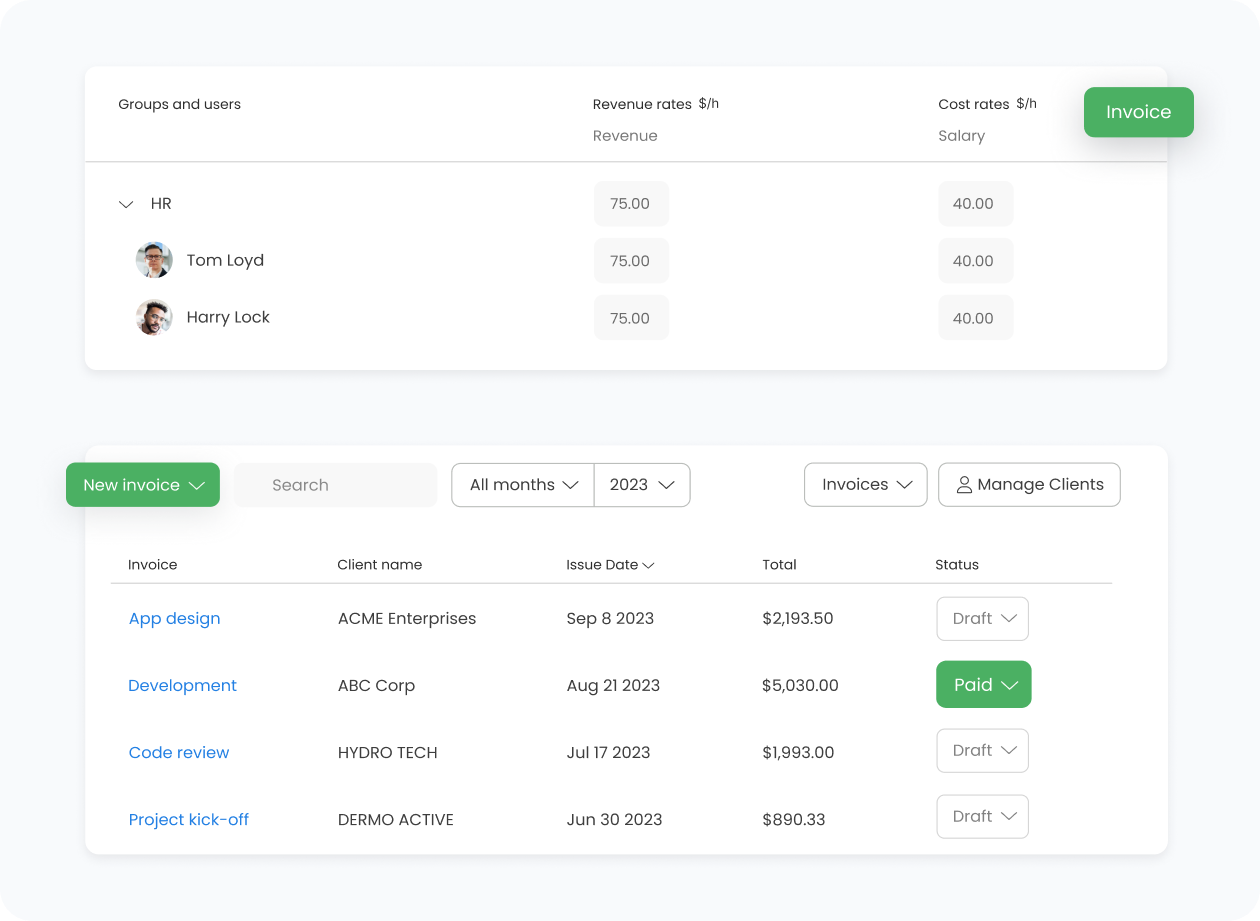
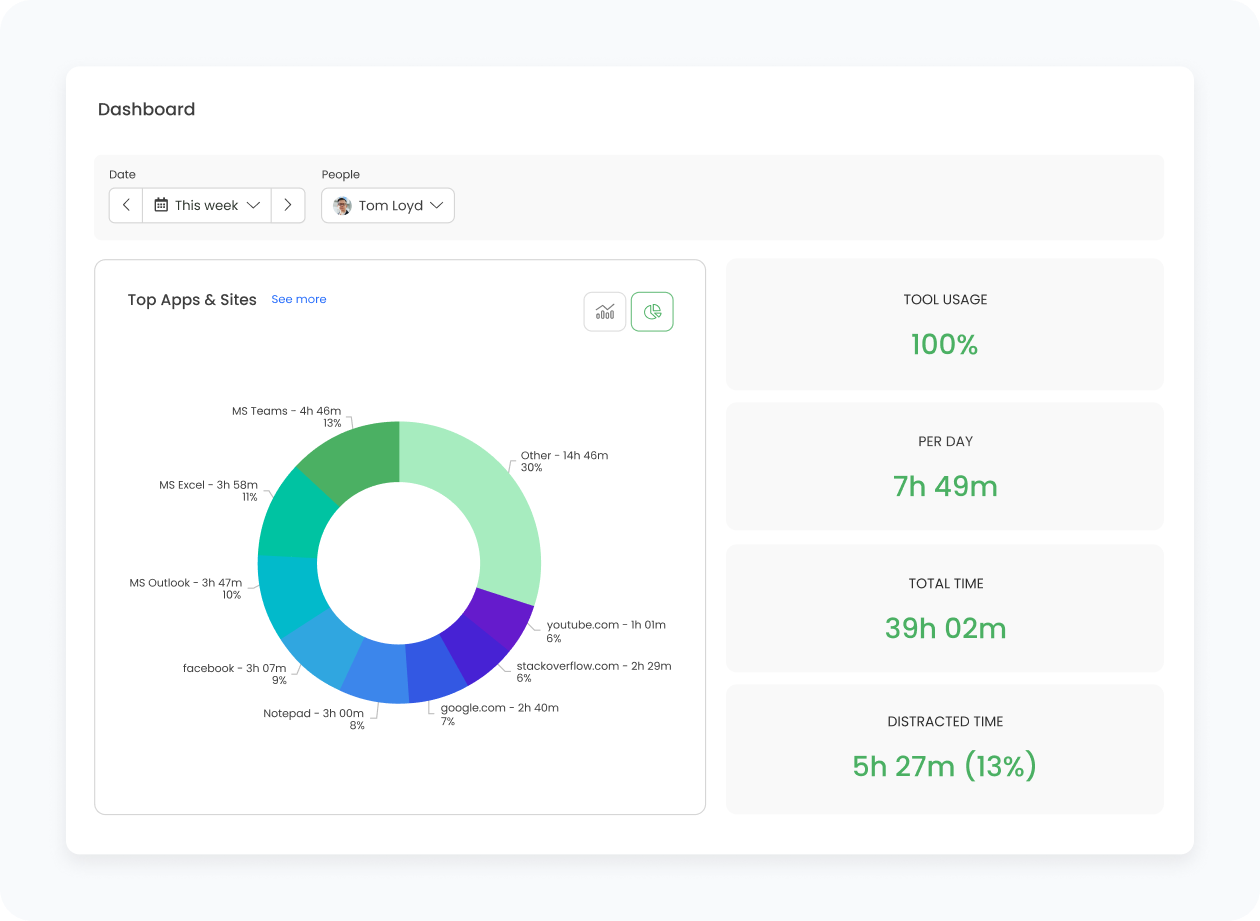
TimeCamp is a fully-fledged time-tracking platform that can be synchronized with ClickUp and many other tools. With our tool, you can easily generate time-tracking reports, analyze work trends, and identify potential bottlenecks that hinder your growth. We also offer detailed reporting and AI-powered features to help you analyze reports with ease.

How TimeCamp Works With ClickUp

TimeCamp expands on ClickUp's time tracking and provides you with more information. TimeCamp imports your full ClickUp hierarchy, including spaces, lists, and ClickUp tasks:

With the TimeCamp-ClickUp time tracking integration, your team can track time across all devices, activities, and projects. Items sync automatically every hour (or instantly with the force synchronization feature). Tasks, lists, and spaces marked as completed or archived in ClickUp will be automatically moved to the list of Archived tasks in TimeCamp as well. The same will happen if you delete time entries. As a result, your time tracking clickapp becomes an all-in-one tool that streamlines time and project management in your company.

After the integration is created and the ClickUp items are imported, all users will be automatically assigned to the ClickUp project and tasks as Regular users. You can manually change their roles in this project and unassign selected users from the entire project or add them only to certain tasks. Once you integrate TimeCamp and ClickUp, you get access to:

  • Automatic time tracking
  • Activity and attendance tracking
  • Workforce monitoring
  • Billing and invoicing solution

Four Ways To Track Time in TimeCamp with ClickUp

TimeCamp expands on ClickUp's time tracking and provides you with more information. TimeCamp imports your full ClickUp hierarchy, including spaces, lists, and ClickUp tasks:

Web Timesheets

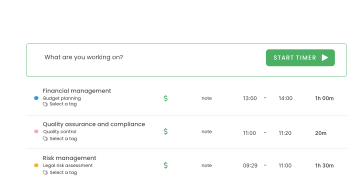
This feature is available directly in the TimeCamp app. All you need to do is select a task using a search box or the drop-down list and run the timer (time-tracking icon).

Desktop app

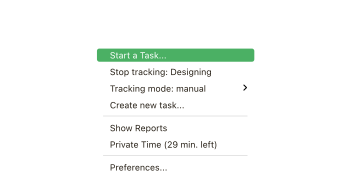
You can track time directly in the desktop app. When you do, the task widget will be automatically synchronized with your web Timesheet.

Mobile app

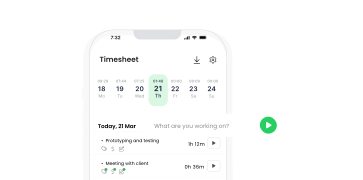
You can create time entries and enable time tracking when on the go. The majority of time-tracking features are available in our mobile app.

Browser extension

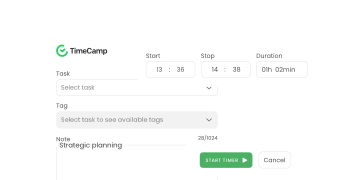
If you work in the browser, use the TimeCamp plugin to enable time tracking. In ClickUp, a start timer button will appear next to all your tasks. Just open the task and click on the green “Start timer” button to start tracking.

How to Enable integration

The ClickUp Step-By-Step Integration Process

TimeCamp can easily be integrated with ClickUp. All you need to do is follow this three-step process. Please remember that only the administrator of the account can enable the integration.
01

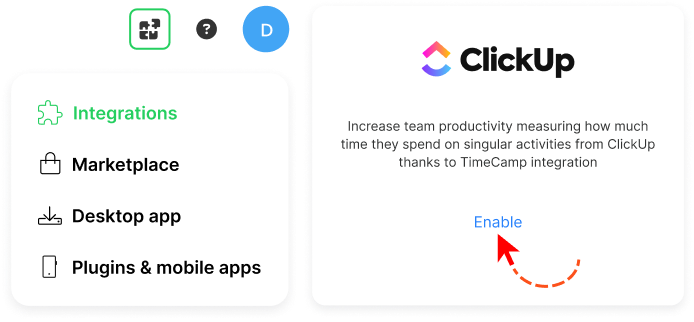
To enable the ClickUp integration, navigate to the plugin icon and select the Integrations option. Next, find the ClickUp integration on the list and click the Enable button.
02

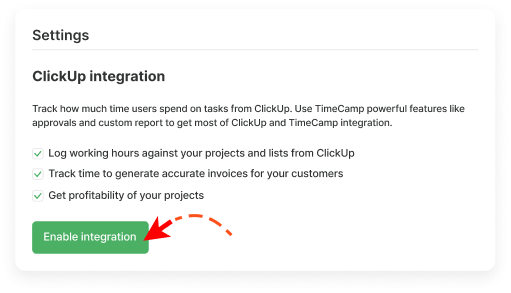
Next, click the green SaveEnable integration button.
03

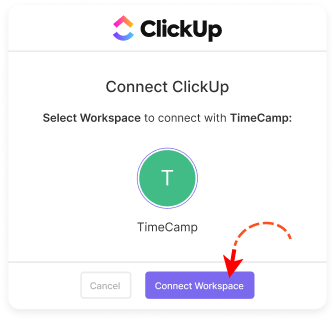
You’ll be redirected to the ClickUp page and asked to grant TimeCamp authorization to access data from your account. To continue, select Workspace you want to integrate the data for and click on the Connect Workspace button.
04

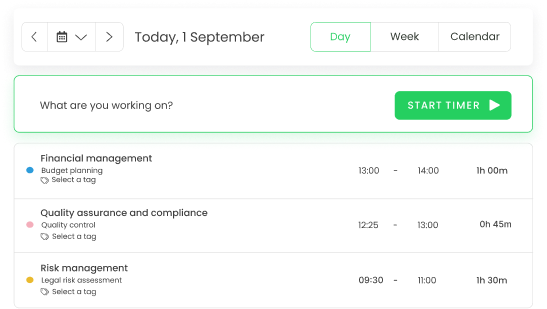
Once you do, your Teams, Spaces, Projects, Lists, and Tasks will be imported to the Projects module in TimeCamp. All imported items will be accessible for you to track time using TimeCamp’s timesheets, mobile and desktop applications, or browser plugin.

Trello Need Help

Need Help?

Key Benefits of ClickUp + TimeCamp

Accurate time tracking within your ClickUp structure

TimeCamp automatically imports all spaces, lists, and tasks from your ClickUp account, so your team can track time directly on the exact ClickUp items they’re working on. There's no need for manual setup or adjustments.

Centralized control over roles and permissions

All users are added as Regular users by default, and you can adjust who can track time on selected projects or tasks. This way, you can ensure full data accuracy, which is crucial in the analysis stage.

Accurate workspace synchronization

Completed or archived items in ClickUp are automatically archived in TimeCamp, keeping your workspace organized and aligned between both tools. New ClickUp items are synchronized automatically within an hour.

Dedicated time-tracking and reporting functionality

While ClickUp’s time tracking is useful, TimeCamp adds more in-depth timesheet views, reporting, and billing data. As a result, you get a deeper, more reliable picture of how time is being spent across projects and team members.

Productivity and Time Management Insights

Productivity tracking and effective time management help you make the most of every hour spent at work. Both TimeCamp and ClickUp can provide you with useful insights that enable you to boost productivity and eliminate potential inefficiencies from your processes. With our help, you can:

  • Streamline processes in your company
  • Ensure all resources are used in an effective manner
  • Enhance team productivity and ensure the project's timeliness

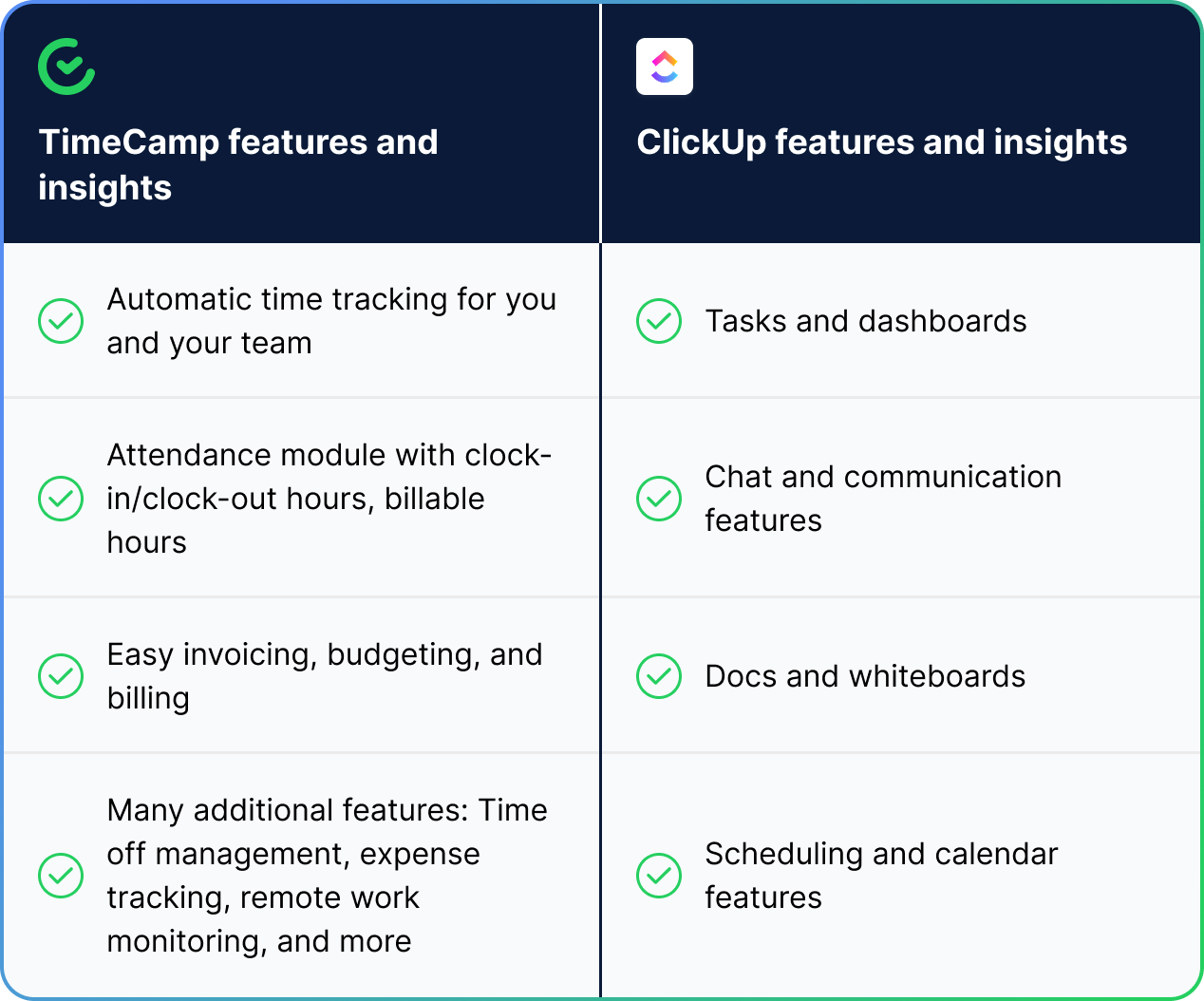
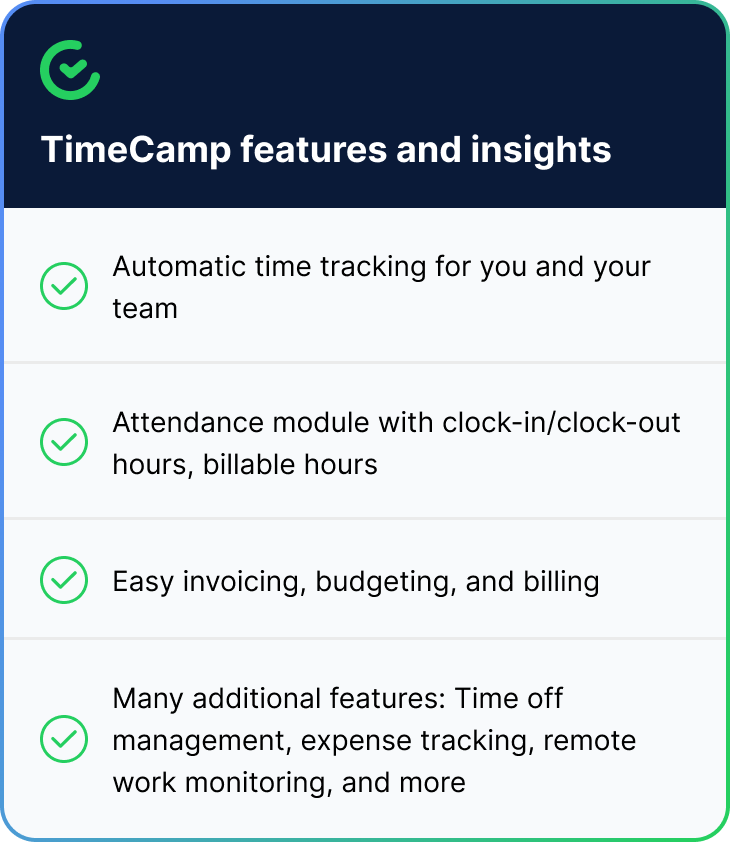
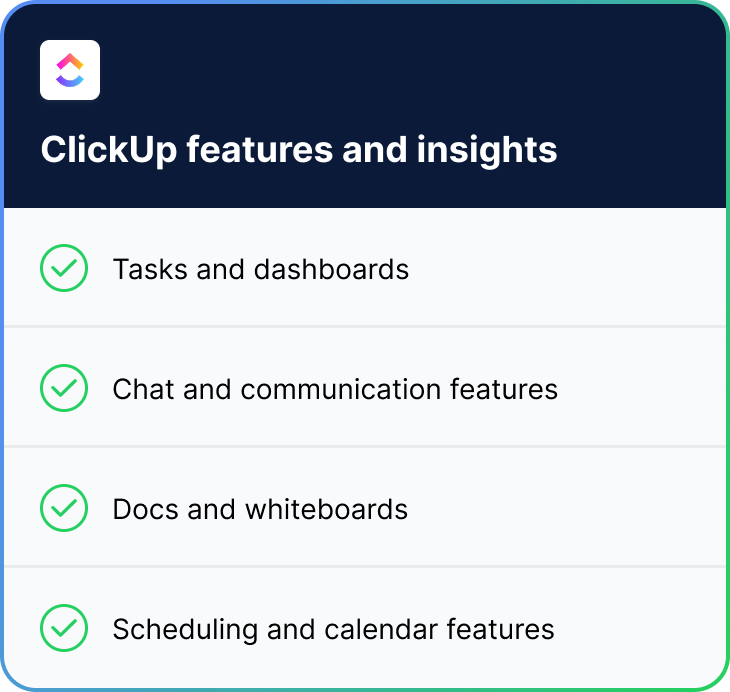
Take a look at how those two tools can work for your company’s benefit:

Trello + TimeCamp Table
Trello + TimeCamp Table - Part 1 Trello + TimeCamp Table - Part 2
Trello + TimeCamp Circle

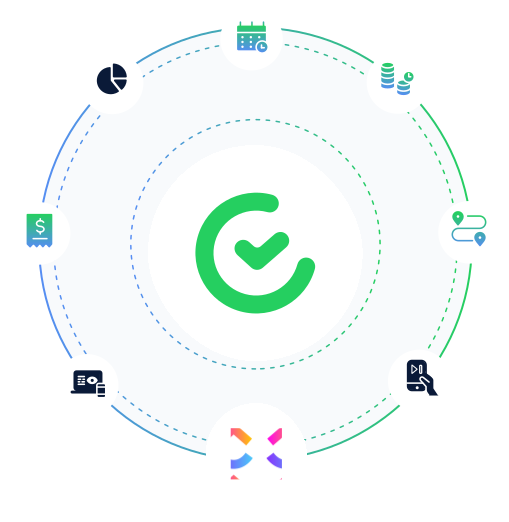
As you can see, ClickUp data becomes even more powerful with time insights.

Both ClickUp and TimeCamp give you accurate, actionable insights you can use to improve the way your company works. With accurate time tracking, in-depth reporting, and clear progress metrics, both tools help you stay productive and make informed decisions, and improve the performance of your entire team.

timecamp img
badge
badge
badge
badge
badge
badge
badge
badge
badge
badge

Start Tracking Your ClickUp Projects With TimeCamp

Supercharge your ClickUp workflow with accurate, automatic time tracking. TimeCamp seamlessly connects with your ClickUp account, letting you track hours on every task, generate real-time reports, and boost team productivity. Simplify invoicing, gain deeper insights, and see where your project time goes. Start your free integration now!

Frequently Asked Questions About ClickUp Integration

The integration will be enabled for the entire account, so all users will be able to track time on imported tasks. The integration will be connected to the ClickUp account of the person who enabled the integration. 

If someone from your team added private spaces in ClickUp and the person who created the integration has no access to those spaces, they won’t be imported to TimeCamp. Only items that the owner of the integration has access to can be imported.

New items in ClickUp automatically sync with TimeCamp within 1 hour. To immediately synchronize the integration and update newly added items, use the “Force synchronization” option.

Yes! TimeCamp uses advanced encryption and is fully compliant with most privacy regulations, including GDPR.

If you want to remove ClickUp from your TimeCamp account, you need to go to the plugin icon in your TimeCamp dashboard and select the Integrations option. Next, find the ClickUp integration on the list of active integrations and click Settings. In the Settings tab, you will find the Unlink integration button.

Yes! If you’ve installed the browser plugin and logged in to your TimeCamp account, a start timer button will appear next to all your tasks in ClickUp. Just open the task and click on the green “Start timer” button to start tracking. When you finish tracking, just click on the red “Stop tracking” button. The browser plugin will be automatically synchronized with your web Timesheet. Read more about our plugin.

ClickUp is an extremely powerful tool, especially when it comes to managing projects, tasks, and team workflows. However, its built-in time tracking doesn’t cover some of the deeper, dedicated time-tracking features that many project managers and team leaders need to monitor work and manage team performance effectively.

If you want to make sure you have access to all the time-tracking data and time-tracking reports, consider integrating your ClickUp account with TimeCamp. Our tool will help you boost productivity, streamline billing and invoicing, and make your project management even more effective. You're just a few clicks away from making the most of ClickUp time!