Track spendings with Expenses
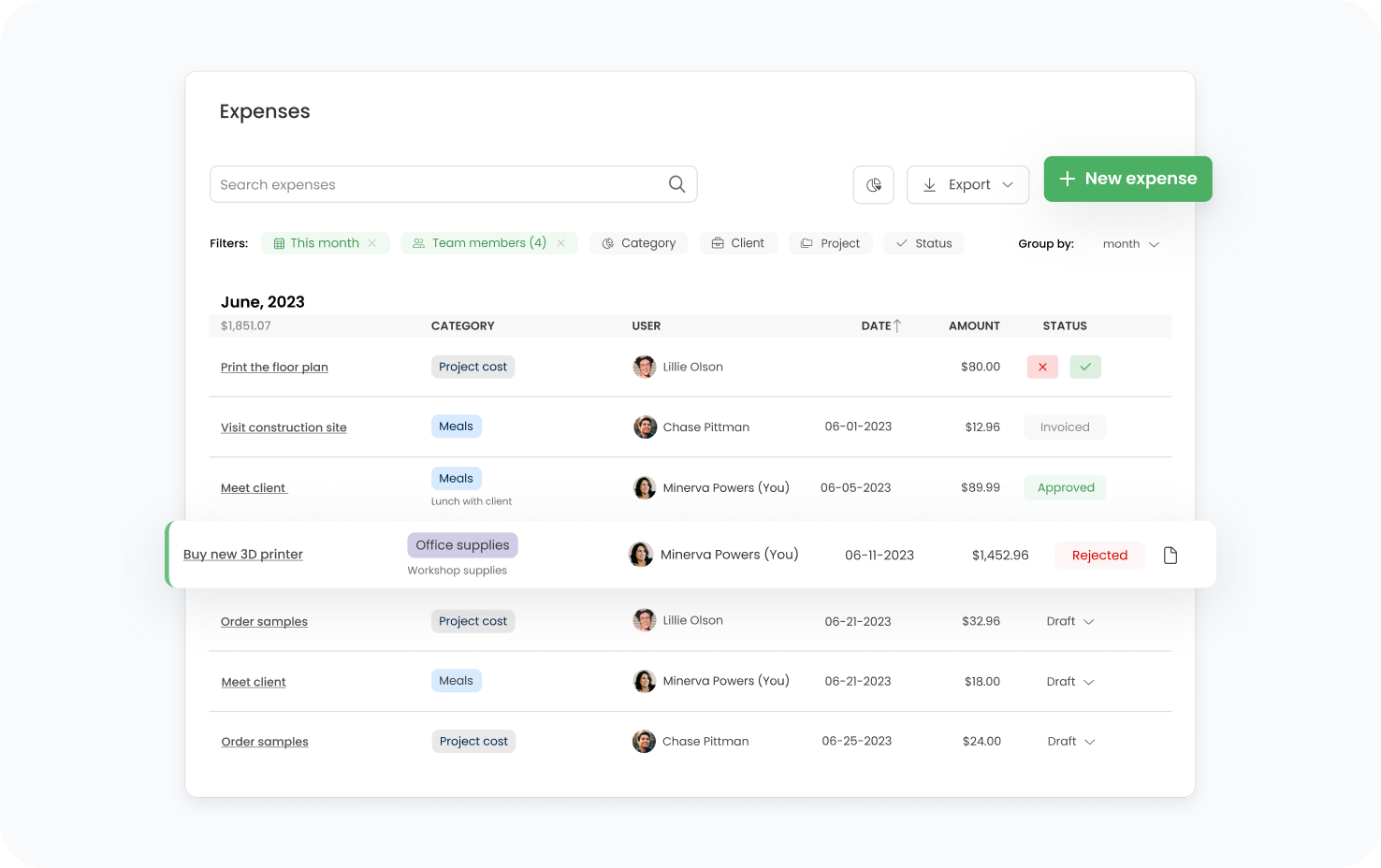
Need a clear view of how much you’ve really spent on a project? Then TimeCamp’s Expenses tool is the solution for that.
Need a clear view of how much you’ve really spent on a project? Then TimeCamp’s Expenses tool is the solution for that.
Crafted locally, trusted globally













Paid for something in order to complete a project or service? Use the Expenses module to logevery detail, outlining the amount and reason for each expense.
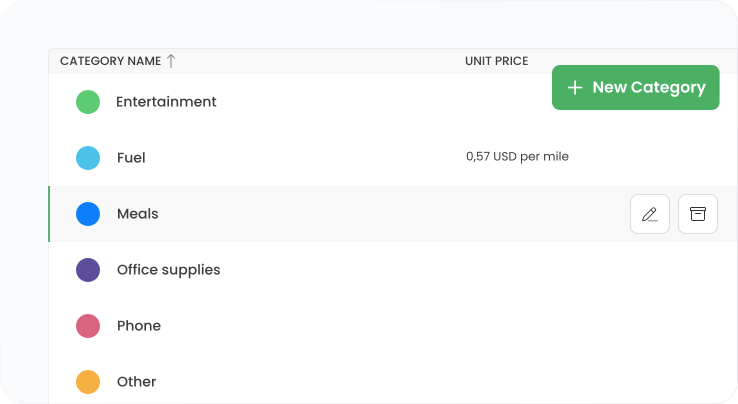
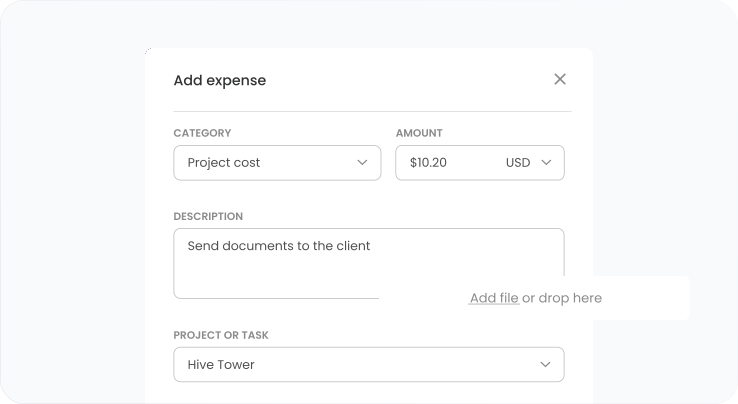
If you wish, you can attach scans of receipts and invoices associated with a particular spending. Consider using Expenses as an extra repository for keeping your proofs of purchase.
Need to justify additional project costs to clients? The Expenses module maps out the costs, dispelling any client doubts. You can display the costs on reports or invoices.
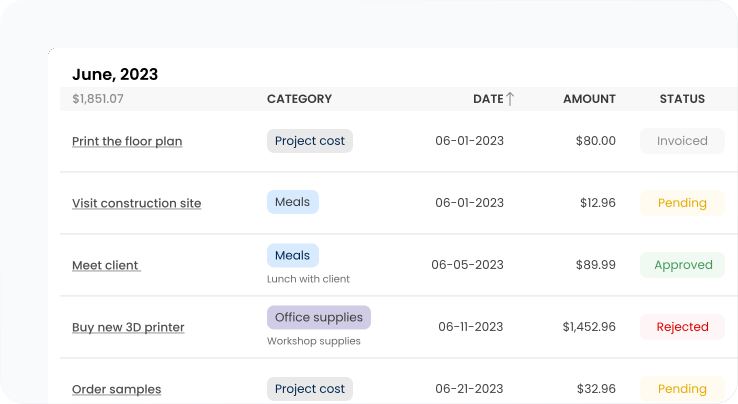
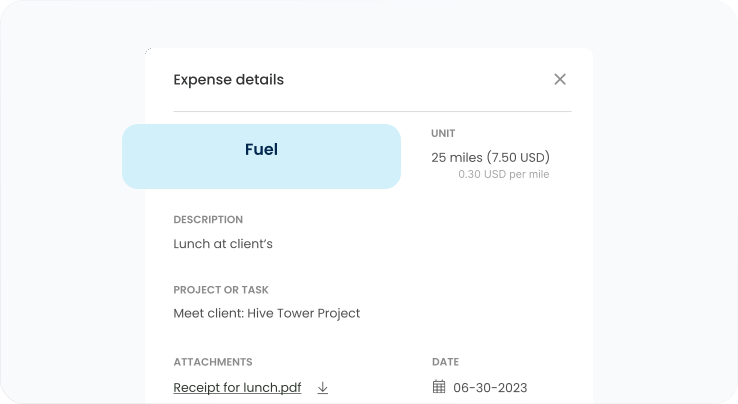
Still using pen and paper or piling receipts to keep track of project costs? TimeCamp's Expenses feature tracks your spending in the cloud, giving you backup access anytime, anywhere.
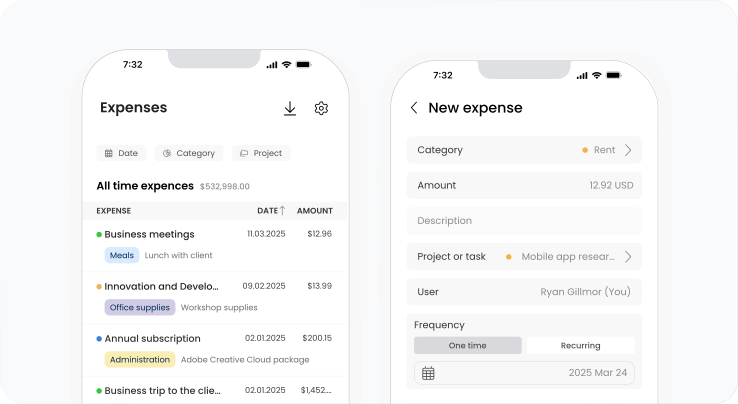
Log new expenses related to projects or tasks, including notes to keep track of your OOF spending. Easily monitor and manage your costs on the go to stay in full control of your project budget.

Sign up for a free TimeCamp account – no credit card required.
Sign up with your e-mail or Google account.
Go to Account Settings, choose Expenses and tick on the Enable button.
Choose the category, assign it to the specific project, and input the amount, date and description, etc.
Track your expenses, categorize them and invoice if marked billable.


Reimbursable expenses are easier to capture when receipts are added to the project record as soon as the cost appears. TimeCamp lets teams log expenses, attach scans of receipts or invoices, add notes, and assign each item to the right project or task. This keeps travel, materials, tools, and out-of-pocket costs ready for reimbursement or client bill-back instead of scattered across inboxes and paper files.
Integrated expense tracking gives managers a fuller view of project margin by combining labor time with direct project costs. TimeCamp allows teams to record expenses alongside tracked hours, budgets, reports, and billable data, so client work is not judged only by payroll effort. Travel, materials, software, subcontractor costs, and other spending can be reviewed as part of the same financial picture.
TimeCamp helps simplify expense approval by keeping costs, receipt attachments, dates, categories, and project assignments in one place. Traveling consultants can log expenses against the right client or task as they occur, giving managers and finance teams cleaner records for review. This reduces missing receipts, late clarifications, and manual reconciliation before monthly bookkeeping or client bill-back.
Digital expense logging reduces finance workload by replacing loose receipts and spreadsheet reconciliation with structured project records. TimeCamp keeps expense details, attachments, categories, and project assignments in one system, making costs easier to review, report, and include in invoices when marked billable. Finance teams spend less time matching documents manually and more time checking project-level profitability.

 Windows
 MacOS
MacOS
 Linux
Linux


 Android

 Chrome
 Microsoft Edge