Insightful time reporting and analytics

Stay informed about your business performance and profitability with TimeCamp's comprehensive time reporting system. Track, measure and analyze every aspect of your team's time and gain clarity into project progress and overall productivity like never before.
top image

Crafted locally, trusted globally

TimeCamp in numbers

86.9% of those who had tracked time before find time tracking with TimeCamp more reliable.

button play video

20+ time report types for data-driven decisions

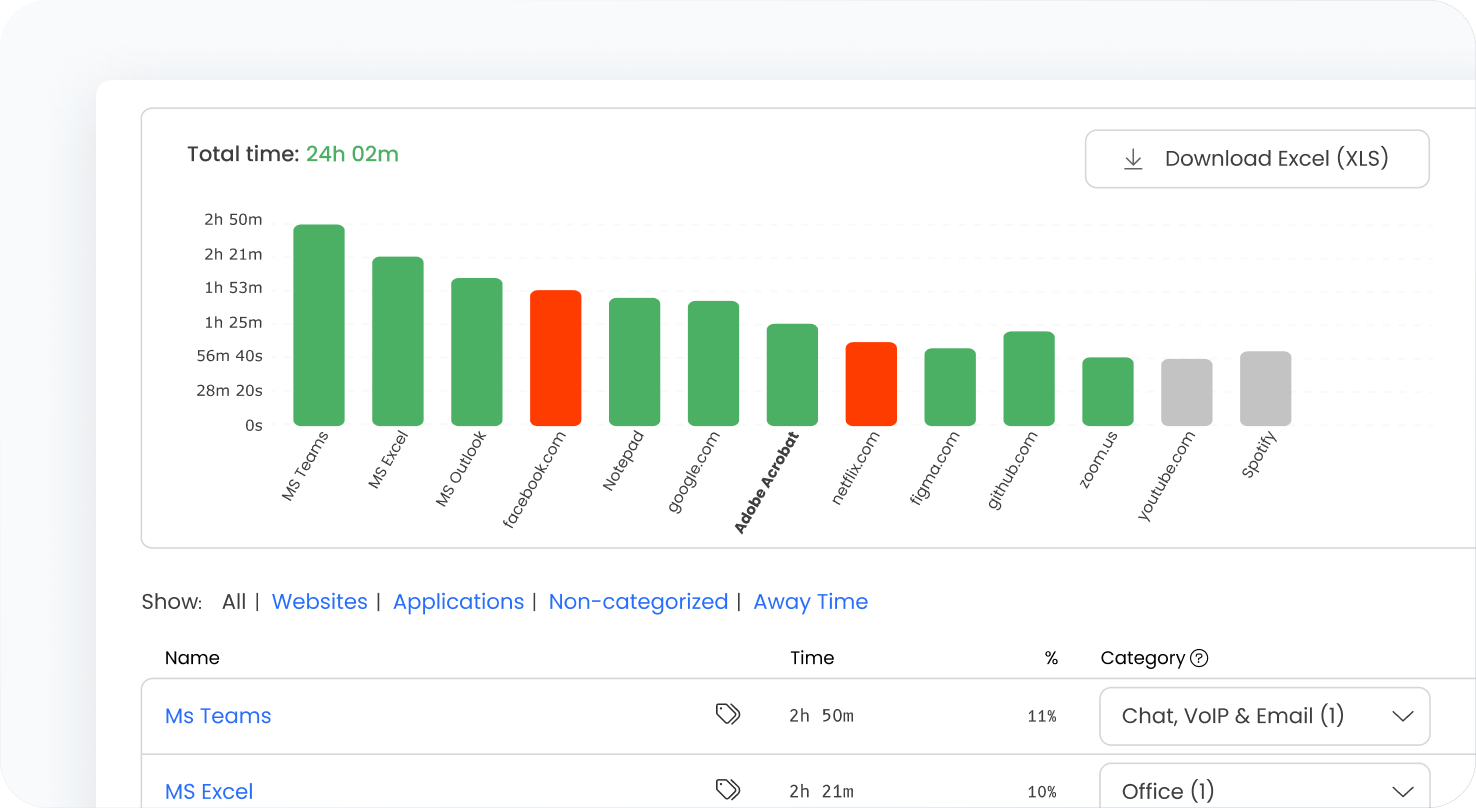
With over 20 different report types, TimeCamp's time reporting software helps you make data-driven decisions with ease. Review activities by days, weeks or months and gain insight into project efficiency and profitability.

Our reporting system offers flexibility so you can examine the data that matters most to your business, whether it's tracking labor hours or assessing overall project success.

features
features

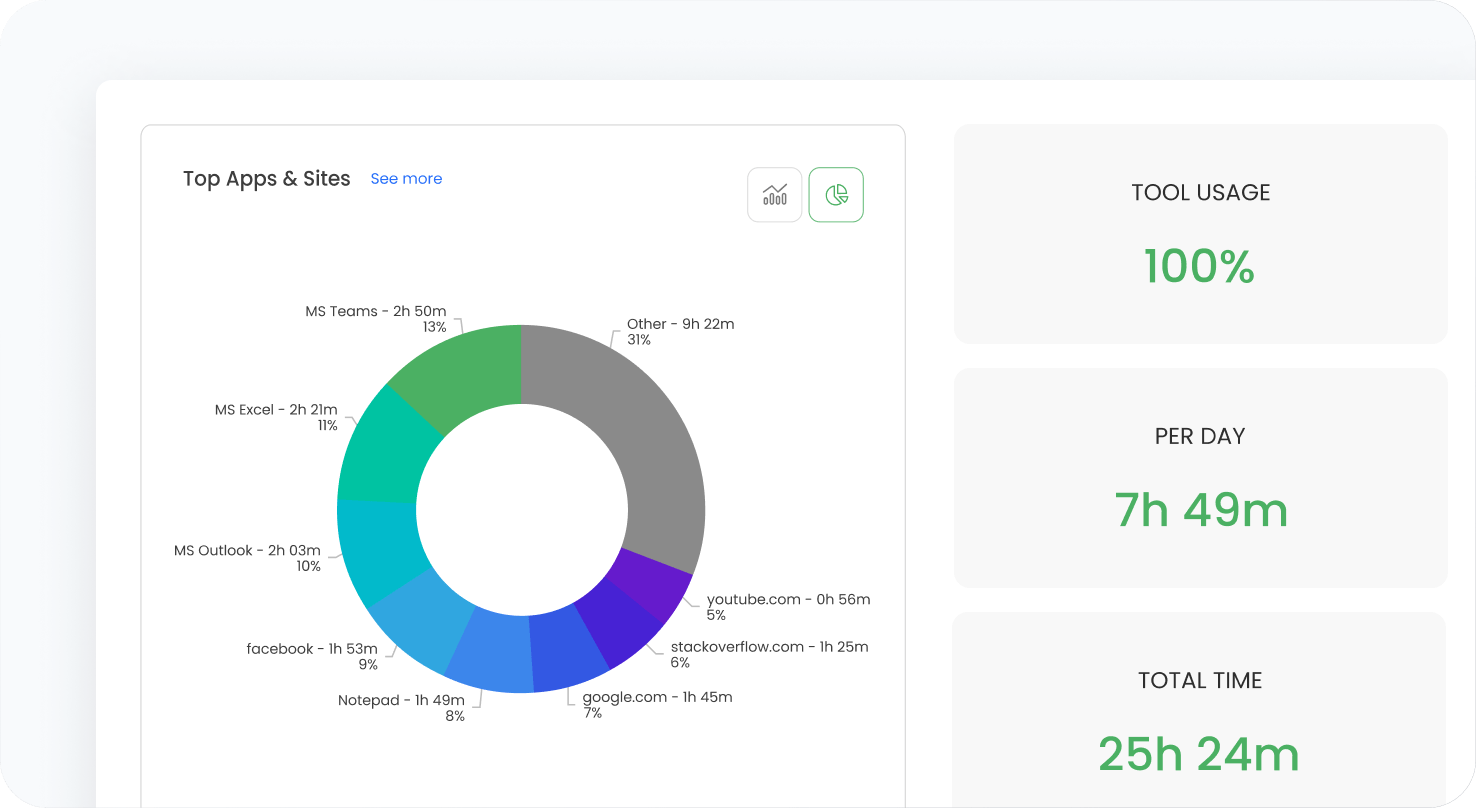
Online time reporting for instant insights

Gain real-time insight into your team and projects with TimeCamp's online time reporting system. Track work progress, measure performance, and monitor budgets as they evolve.

Real-time reporting keeps you informed about every aspect of your projects, making it easier to adjust strategies and allocate resources effectively.

Time reporting software with custom reports

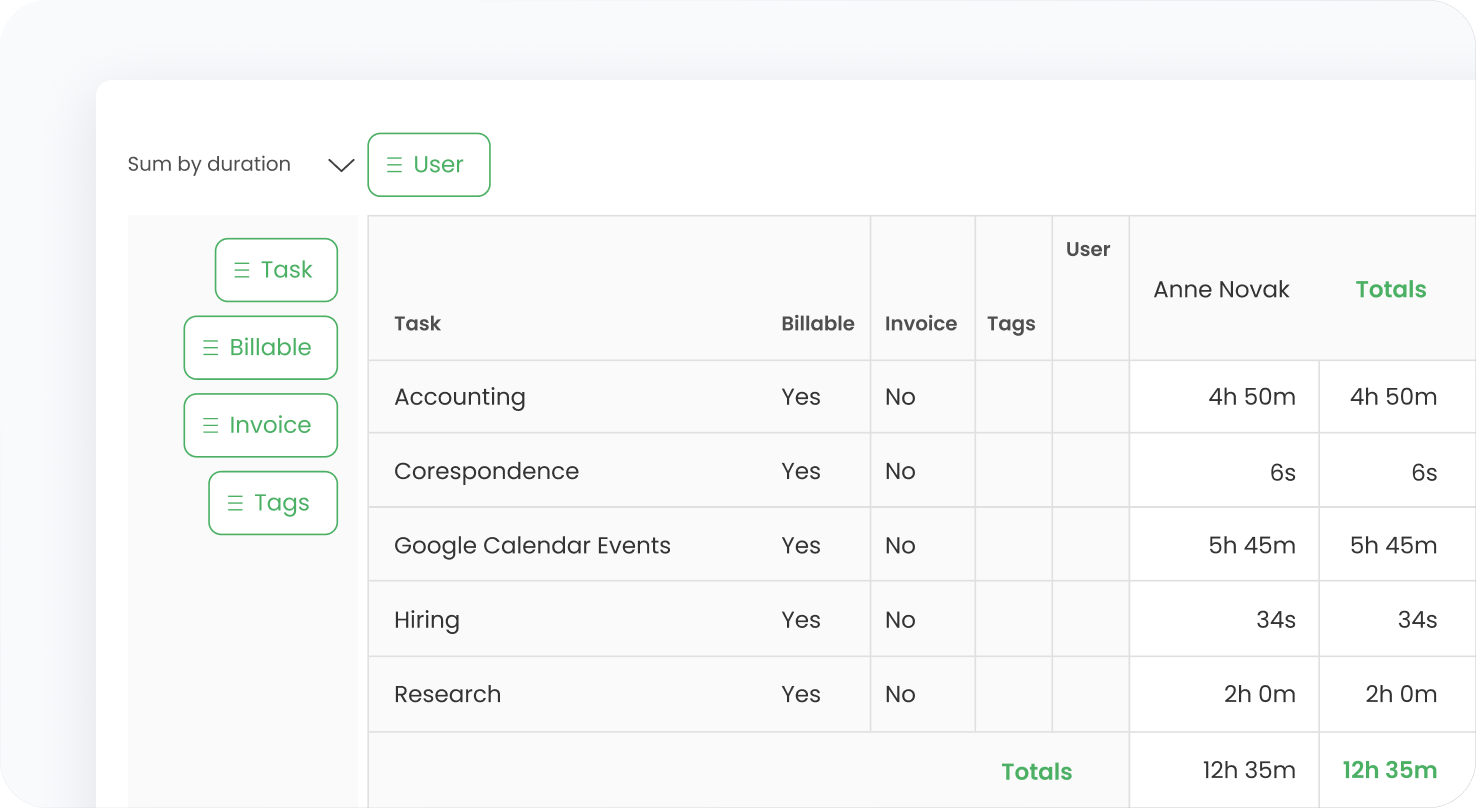
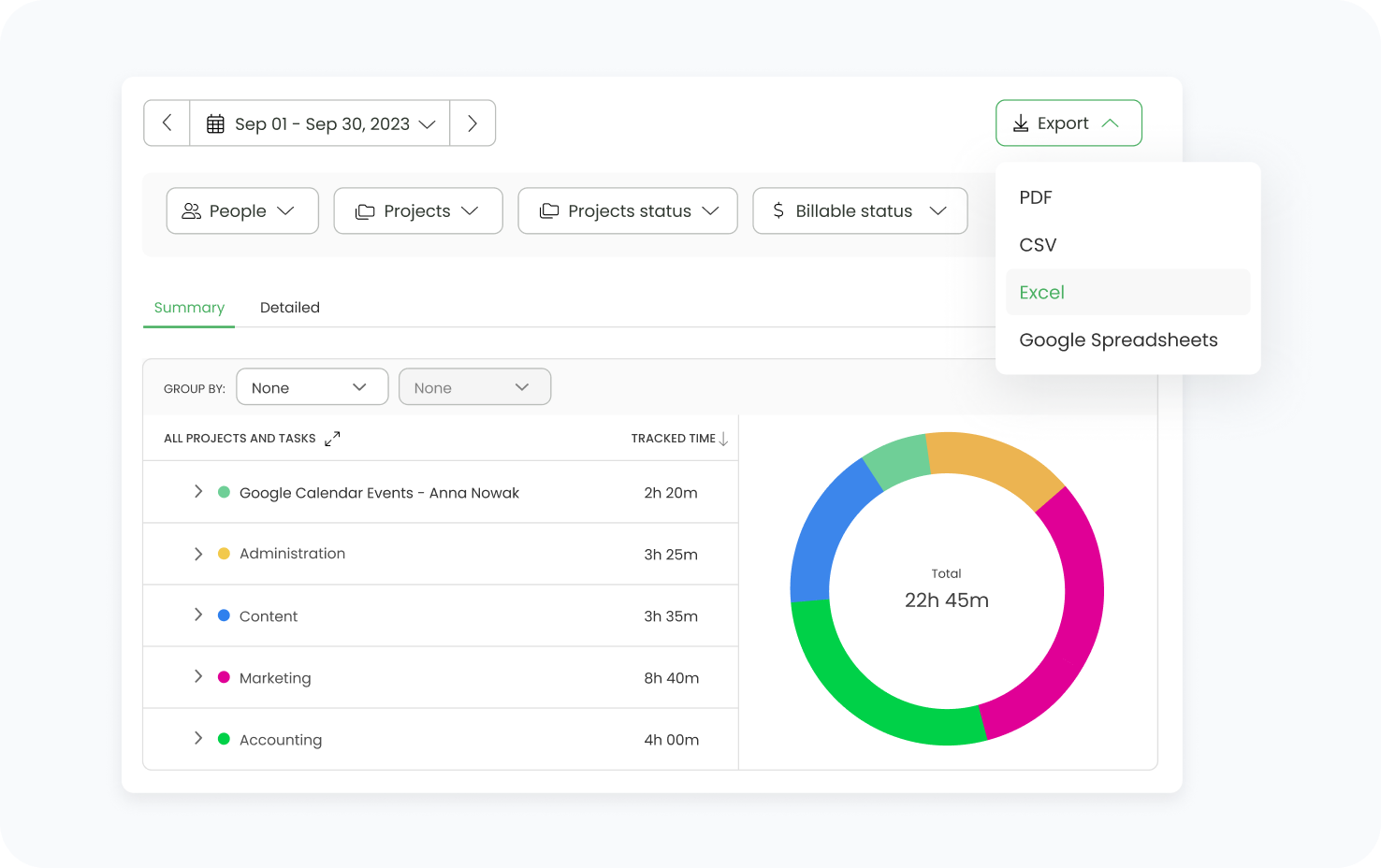
TimeCamp's time reporting software makes it easy to create custom reports tailored to your needs. Set up a pivot table in minutes to filter information and focus on the data that matters.

Customizable time reports allow you to see only the details you need, making your analysis more efficient and your reporting time shorter.

features
features

Easily export and share time reports

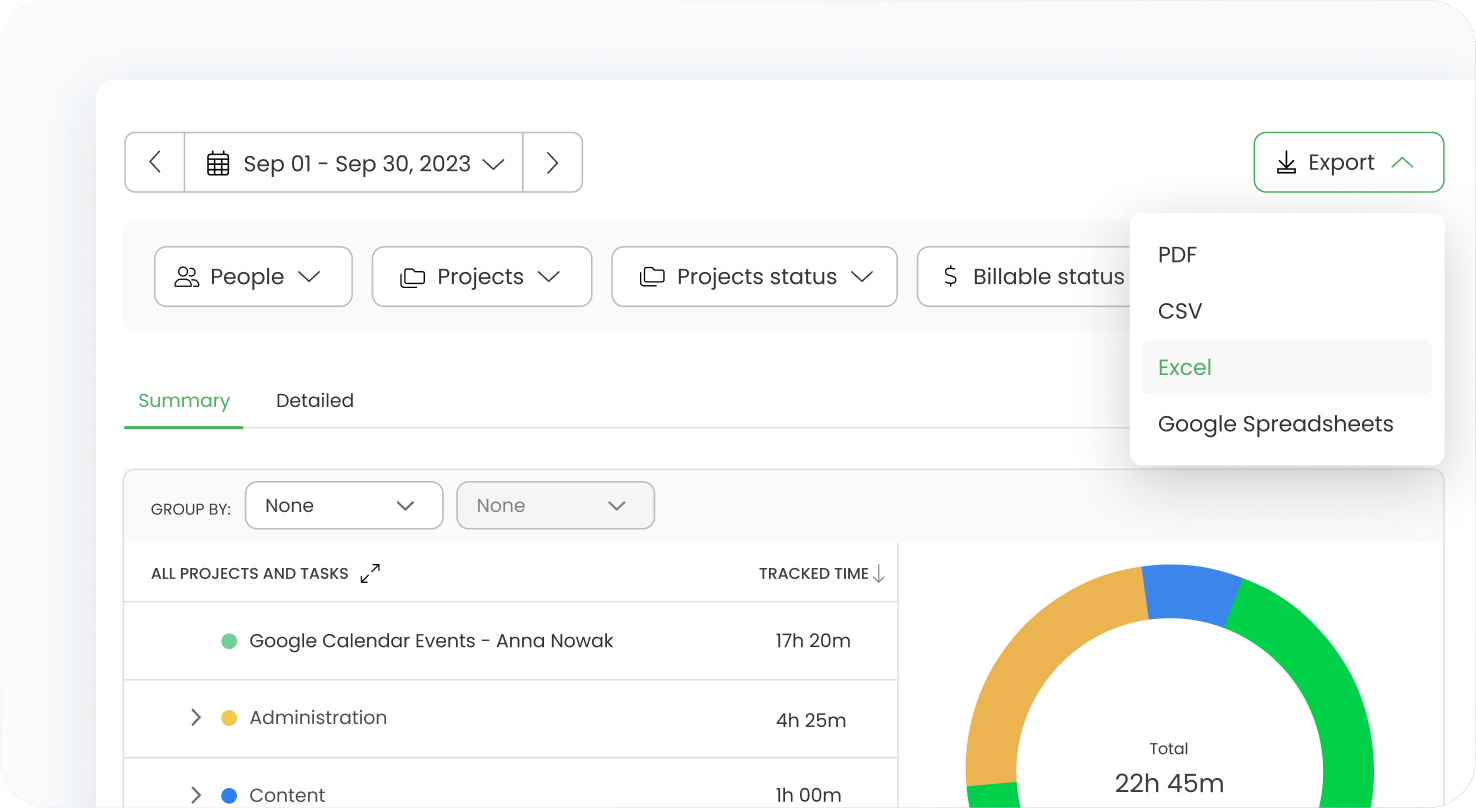
TimeCamp's time reporting system allows you to export reports in multiple formats, including CSV, PDF, Google Sheets and Excel. Share your online time reports with team members or clients via guest view or email.

This feature makes time reporting more accessible and ensures that important insights get to the people who need them.

timecamp img

One time tracking software, multiple ways to boost profitability.

Sign up for a free TimeCamp account – no credit card required.

How to set up

Start reporting time in 4 easy steps

01

Create an account

Create a new account or sign up with your Google account.

02

Track time

Start tracking time in projects.

03

Create time report

Analyze your business performance on reports rich in data.

04

Share or export easily

Export reports to popular formats or easily share them as a link.

Convenient access to time tracking reporting

timecamp img
badge
badge
badge
badge
badge
badge
badge
badge
badge
badge

TimeCamp offers much more than just time reporting.

Find out how it can help your business.

Frequently Asked Questions

Project profitability reports show whether fixed-fee work still protects the planned margin as delivery progresses. TimeCamp connects tracked hours with labor costs, billing rates, budgets, and project revenue, so managers can compare the agreed fee with the actual cost of delivery. That makes margin erosion visible earlier, before extra revisions, meetings, or production time turn a profitable contract into a loss.

Managers can identify workload imbalance by reviewing time reports across people, projects, billable work, and internal activity. TimeCamp helps show who is carrying too much delivery time, who has available capacity, and where project assignments need adjustment. This gives directors a practical basis for reallocating work, protecting senior staff from sustained overload, and using available talent more profitably.

Custom time analytics can reveal where software delivery costs grow without appearing in the original estimate. By separating hours across feature work, bug fixing, QA, sprint meetings, rework, and client communication, teams can see which phases absorb more capacity than planned. TimeCamp reports help turn sprint activity into cost evidence, making budget pressure easier to diagnose before the next quote or renewal.

Exportable time reports give client reviews a clearer evidence base by translating project hours into structured summaries. TimeCamp reports can be shared or exported in formats such as PDF, CSV, Excel, and Google Sheets, which helps teams show time by project, task, person, or billing category. Instead of discussing progress through broad statements, account leads can present documented work patterns and delivery effort.

The strongest forecasting signals come from historical hours, utilization trends, billable ratios, project budgets, and labor cost patterns. TimeCamp gives managers a record of how similar work actually consumed capacity, not only how it was estimated before kickoff. That helps leadership quote new contracts more responsibly, staff delivery teams earlier, and avoid margin pressure caused by underestimated labor demand.

The gap closes when time reports connect hours with financial context. TimeCamp links tracked work with billing rates, labor costs, budgets, billable status, and project revenue, turning operational records into profitability data. Managers can then move beyond checking whether time was logged and start reviewing which clients, tasks, and delivery stages are shaping gross margin.