Time Clock Kiosk
Do you manage an on-site team and want to get rid of punch cards? Try out our simple-to-use, free attendance kiosk tool.
Do you manage an on-site team and want to get rid of punch cards? Try out our simple-to-use, free attendance kiosk tool.
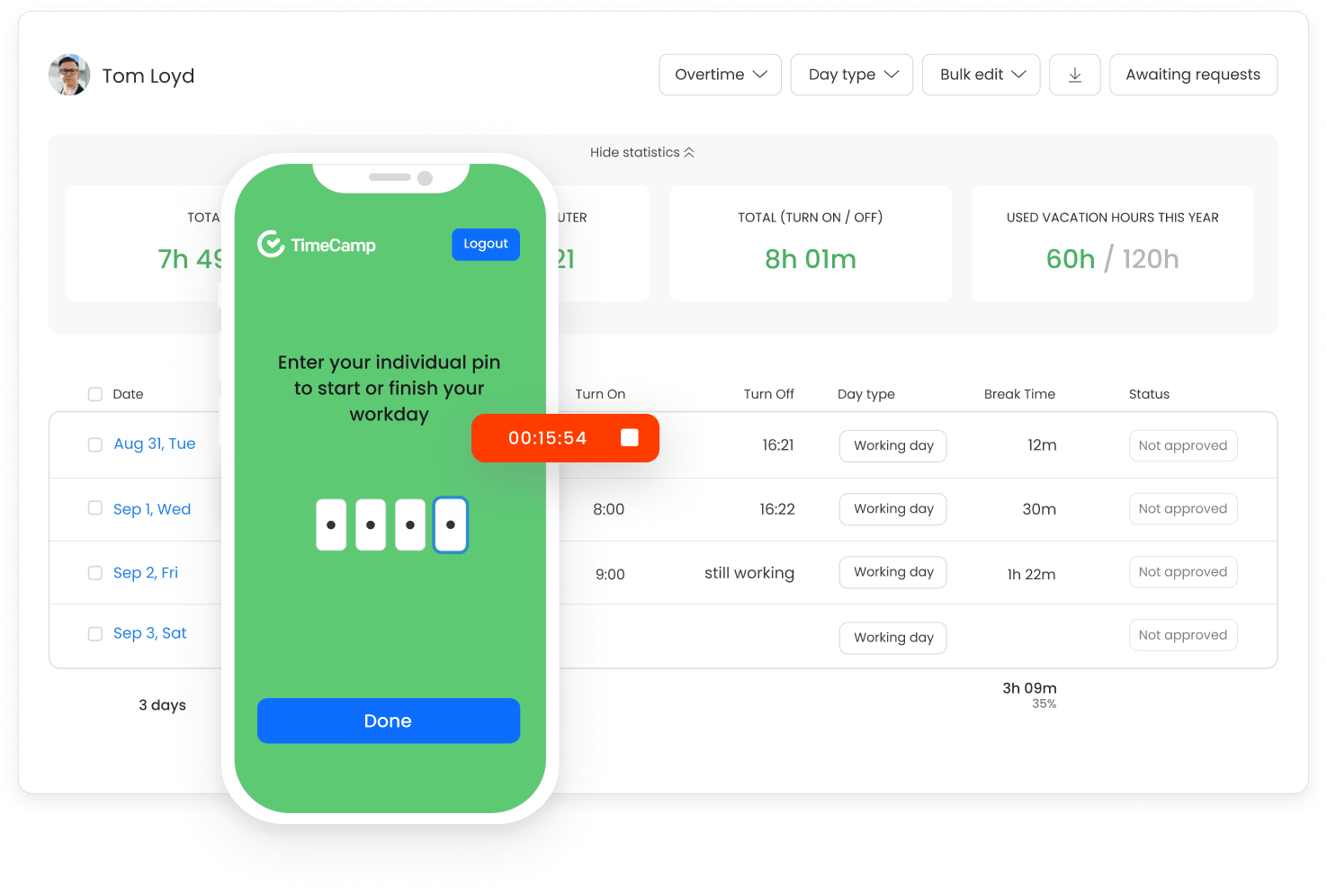



Set up a shared device in a single visible location in your facility and let your employees clock in and out with easy-to-remember 4-digit PIN numbers. All for free, with no additional training required.

No more lost paper cards, no more buddy punching - all employee start and end times are securely stored in your TimeCamp account.

Use the TimeCamp clocking system anywhere and on any device - all you need is an Internet connection.

Stop wondering where your employees' time has gone. TimeCamp's attendance kiosk records their hours, providing you with data ready to use for attendance and payroll purposes.
Go to your account and enable “Kiosk” in Add-ons. Open it - all your employees are already added as users, and each has their unique PIN.
Copy the admin API token from the My Profile section and open kiosk.timecamp.io. Make sure all your employees know their PINs.
Place the shared device somewhere in your facility to let your employees enter their 4-digit PINs.
Generate PINs for the new employees with a single click on a handy button in the Kiosk addon tab.

No timesheet filling, no computer usage, just accurate time and attendance tracking.
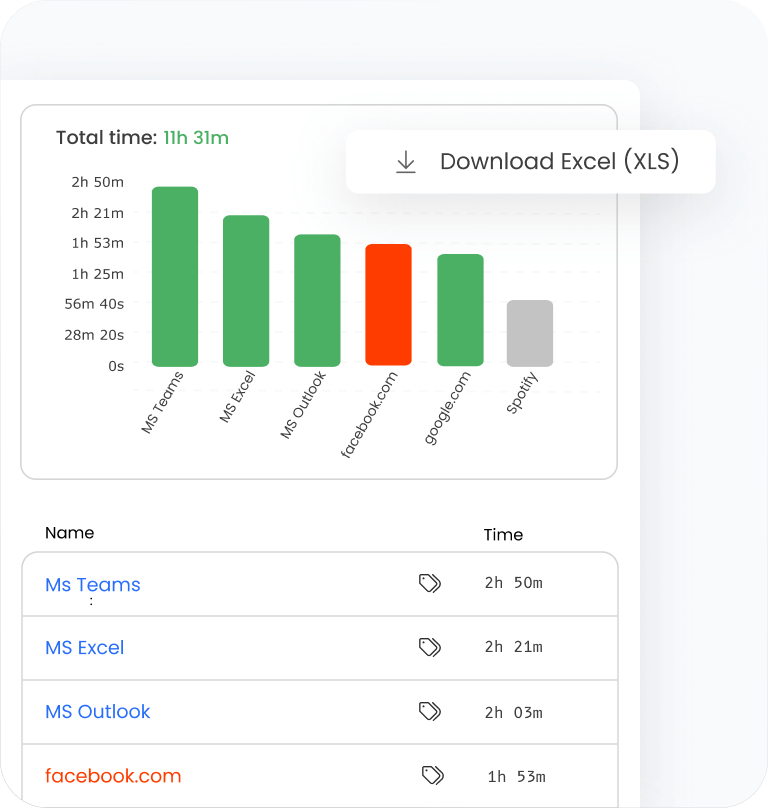
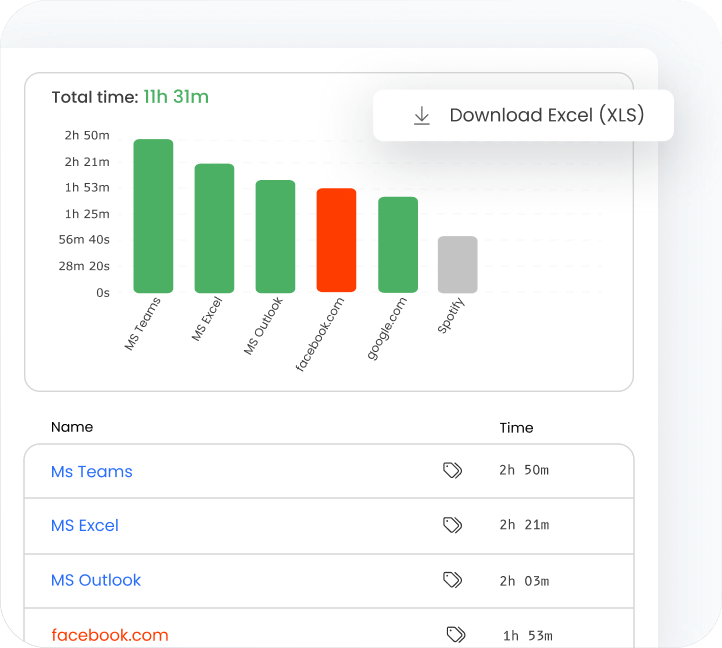
Export your reports in commonly accepted formats such as XLSX, PDF, CSV, or Google Spreadsheets.
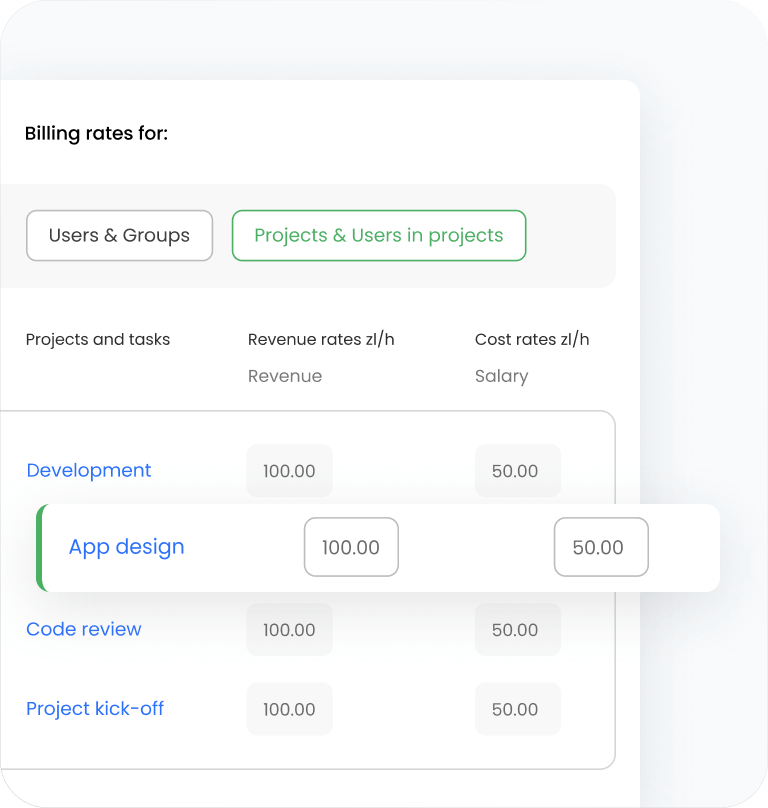
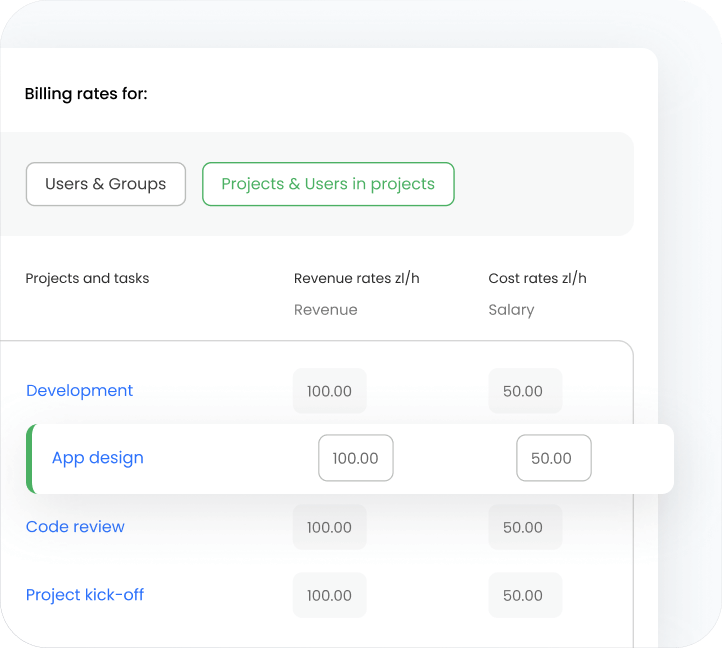
Charge your customers by applying specific billing rates to the time recorded for specific project or task.
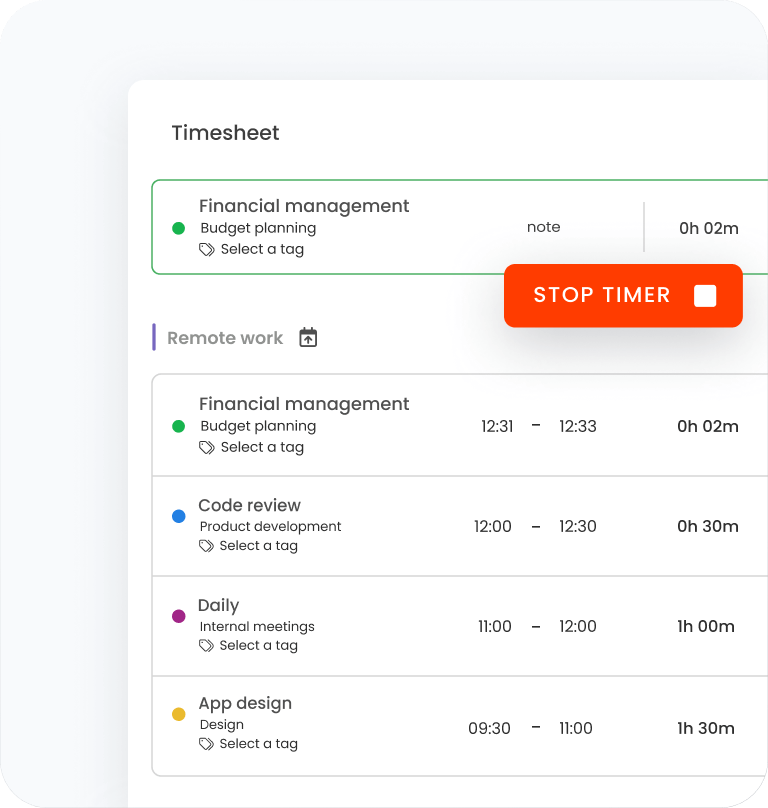
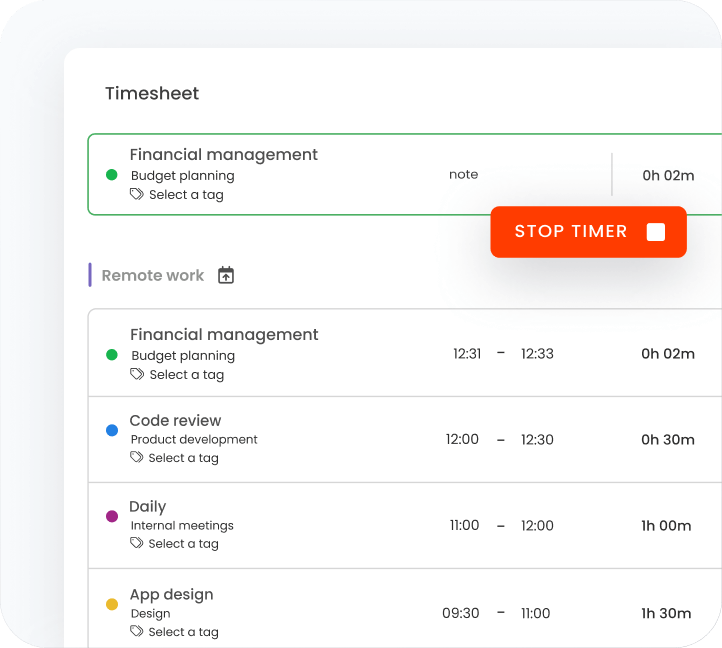
Spotlight areas that hinder your productivity. Don’t let distractions eat into your per-hour earnings.


and raise profitability by more than 30%.
A time clock kiosk is a hardware device or an app for mobile devices that allows employees to clock in and out, track their work hours, and manage their attendance. It’s a centralized system that simplifies time tracking and attendance management for all your employees.
Time clock kiosk apps can be set up on tablets, smartphones, or computers, making it easy to track employee work hours.
There are three common types of time clock tools these days:
Hardware time clock kiosk: Known also as a bundy clock, it's a mechanical device that tracks simple employee time records, such as the date and time of start and end of their shift. Previously used with punching cards. Modern hardware time clock tools mostly use biometrics (e.g., taking a selfie photo) to collect employee attendance.
Time clock kiosk for a single device: Uses one device (e.g., Android tablet, Apple iPad, smartphone, or laptop) with a stable internet connection. Placed in a central location of the company's facility, Most often, it's an additional feature to time tracking software and requires enabling the feature in a provider's web portal. Employees enter their unique PIN codes to clock in and register clock-outs.
Time clock kiosk app for mobile phones: An additional feature of mobile time tracking apps. Each employee has the time clock kiosk app installed on their phone. They can clock in and out from multiple locations, even if they're not connected to the internet. It works best with a geofencing feature, marking users as present once they reach their destined job sites.
Hardware time clock kiosk tools are still widely used among warehouse workers, constructors, and manufacturers. A time clock app for a single device is a perfect option for industries like hospitality, healthcare, or call centers.
On the other hand, choose a handy mobile kiosk app to track the time and attendance of mobile workers who work from different job sites (e.g., consultants, contractors, designers, lawyers, etc.).
However, if your employees' assignments require computer usage, track time and attendance data with time tracking software. Whether they use a web portal or a desktop app, they clock in and out by starting the new timer or filling their timesheets manually.
By tracking clock in and outs in real-time, the time clock kiosk app ensures every business:
Streamlined attendance tracking: Online time clock app doesn't require any punching cards. It registers clock-in and out hours once employees enter their PIN codes into a shared device or launch apps on their devices.
Absence data access: Review time-off requests in real time and archive data collected within past payroll cycles to keep employee attendance records in order,
Efficient payroll processing: Time tracking integrates with payroll software and calculates employee compensation based on attendance records and estimated hourly rates. By providing employers with accurate data, it reduces unnecessary labor costs.
Highest security and privacy: A digital clock app registers and stores time and attendance digitally, keeping employees' records in order and available to browse anytime.
Time clock kiosk apps help automate many business processes, but they also have flaws due to the nature of the system itself.
The most common disadvantage of using a labor tracking kiosk app is the risk of buddy punching. It's a time theft when one employee clocks in and out on another's behalf. Such behavior covers late arrivals, but situations when employees start their work "on time," despite running late, usually have severe repercussions to the company's financial status.
To avoid buddy punching and reduce the financial loss caused by time theft, switch from obsolete hardware with paper time clock cards to digital solutions that use unique PIN codes.
To start with the TimeCamp employee clock app, sign up for a free 14-day trial or create a free plan account. Download the time kiosk app to your device (e.g., computers, iPhones, or Android tablets). Kiosk time is automatically added to employees' timesheets.
Set up the app and configure settings and reports. Instruct employees on using the clock app and kiosk to ensure they won't break rules due to inefficient training.
Send a ticket to our support team or contact sales to discuss the subscription details.